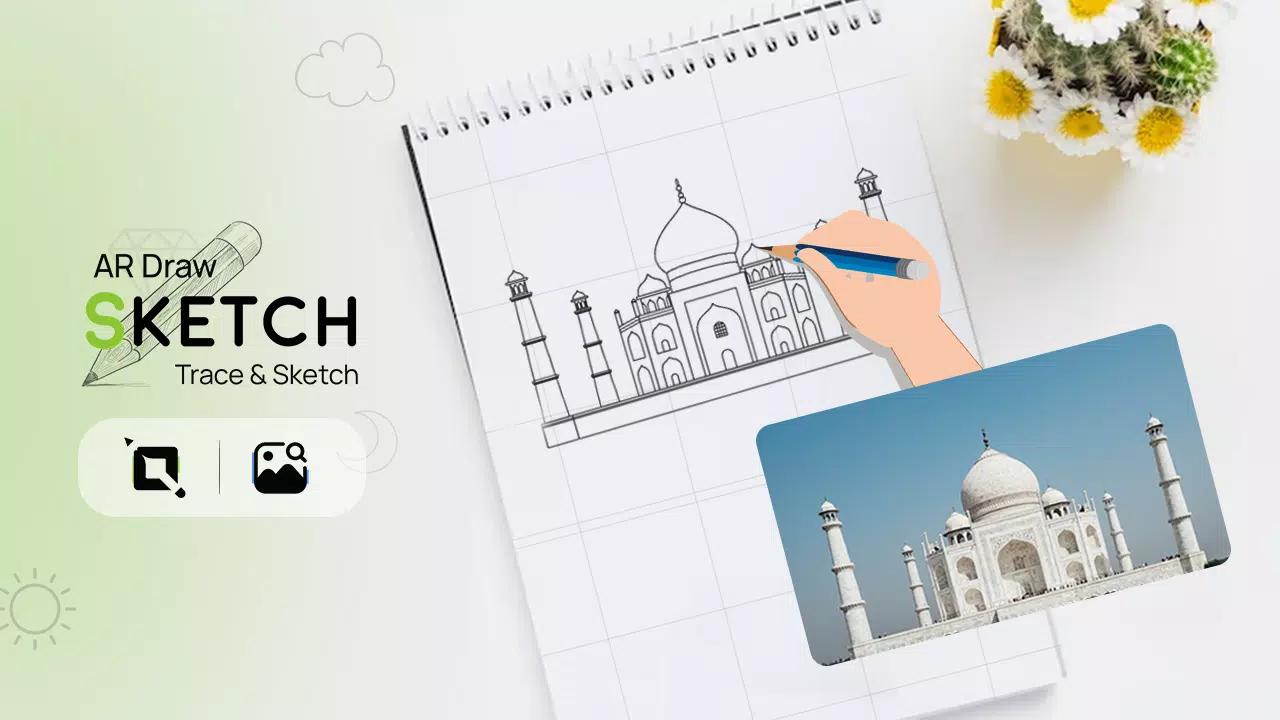
Transform any image into a hand-drawn sketch on paper using AR technology with the AR Draw Sketch Trace & Sketch app
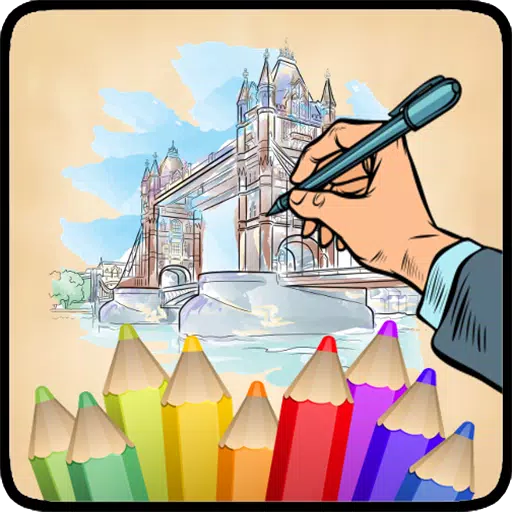
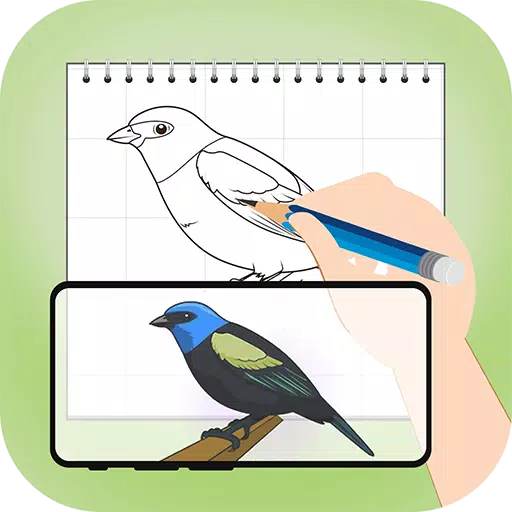
Unlock your artistic potential with the AR Draw Sketch Trace & Sketch application. This innovative tool seamlessly converts any photo into beautiful sketch artwork. Just trace over your chosen image and see it transformed into an elegant hand-drawn creation. Perfect for studying and practicing sketching techniques, the AR Draw Sketch Trace & Sketch app makes image tracing remarkably simple. To start tracing, select an image from the app or your gallery and apply a filter. Once the image appears on screen, position your phone above your drawing surface and begin sketching while viewing through your device.
Why Do We Trace Images?
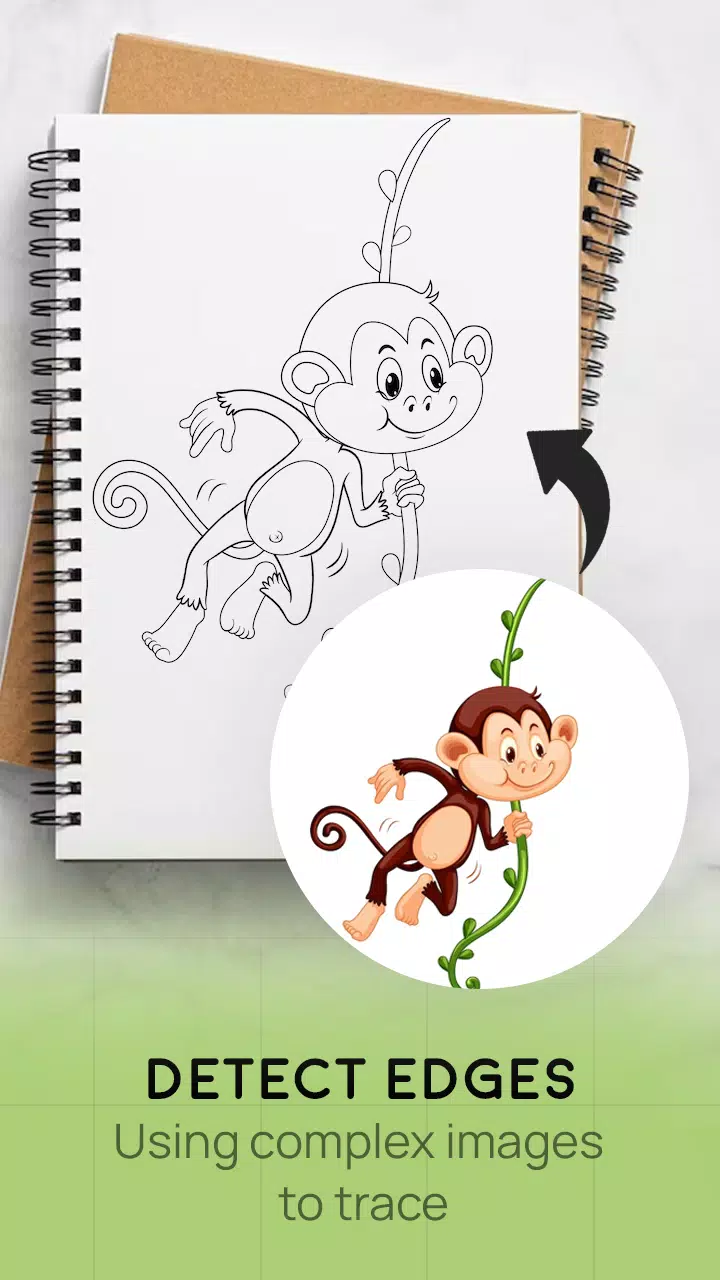
- Tracing involves converting photographs or artwork into clean line work. You simply follow the visible lines on your tracing paper, creating accurate sketches through this method.
- This application provides an excellent platform for learning drawing and tracing techniques.
How It Works
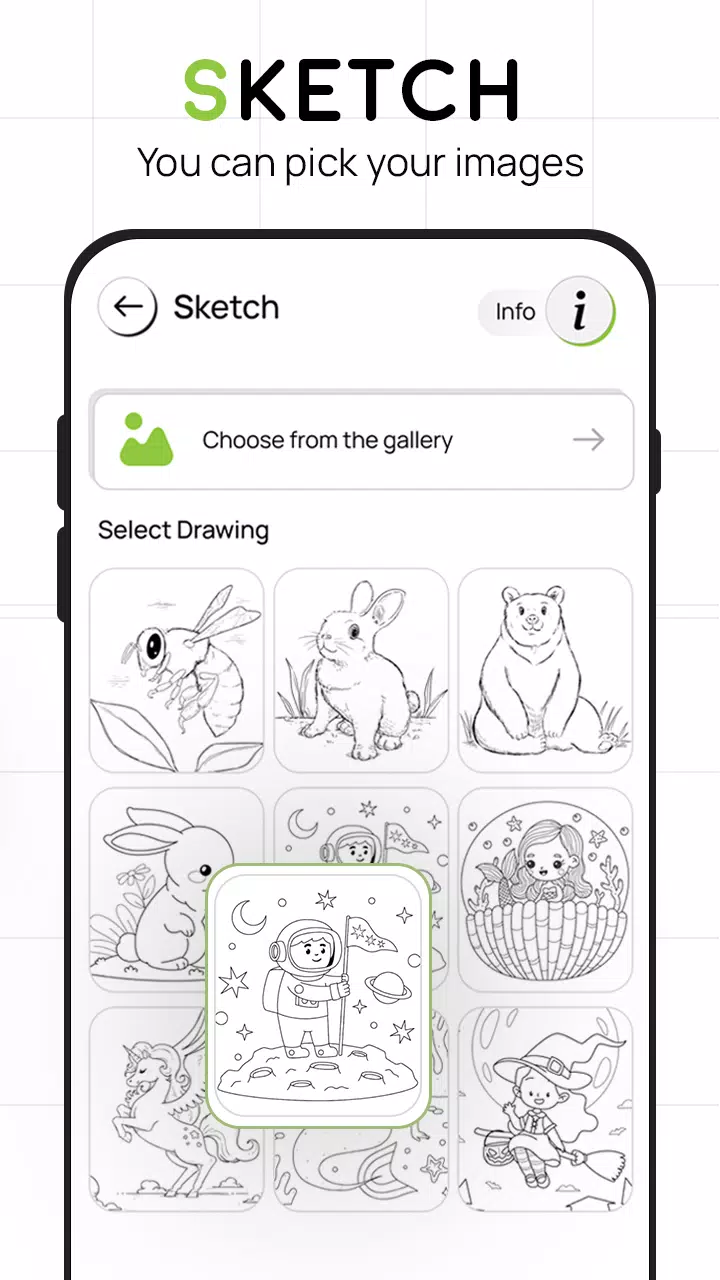
- Select your preferred image from the app's gallery or capture a new photo using your camera
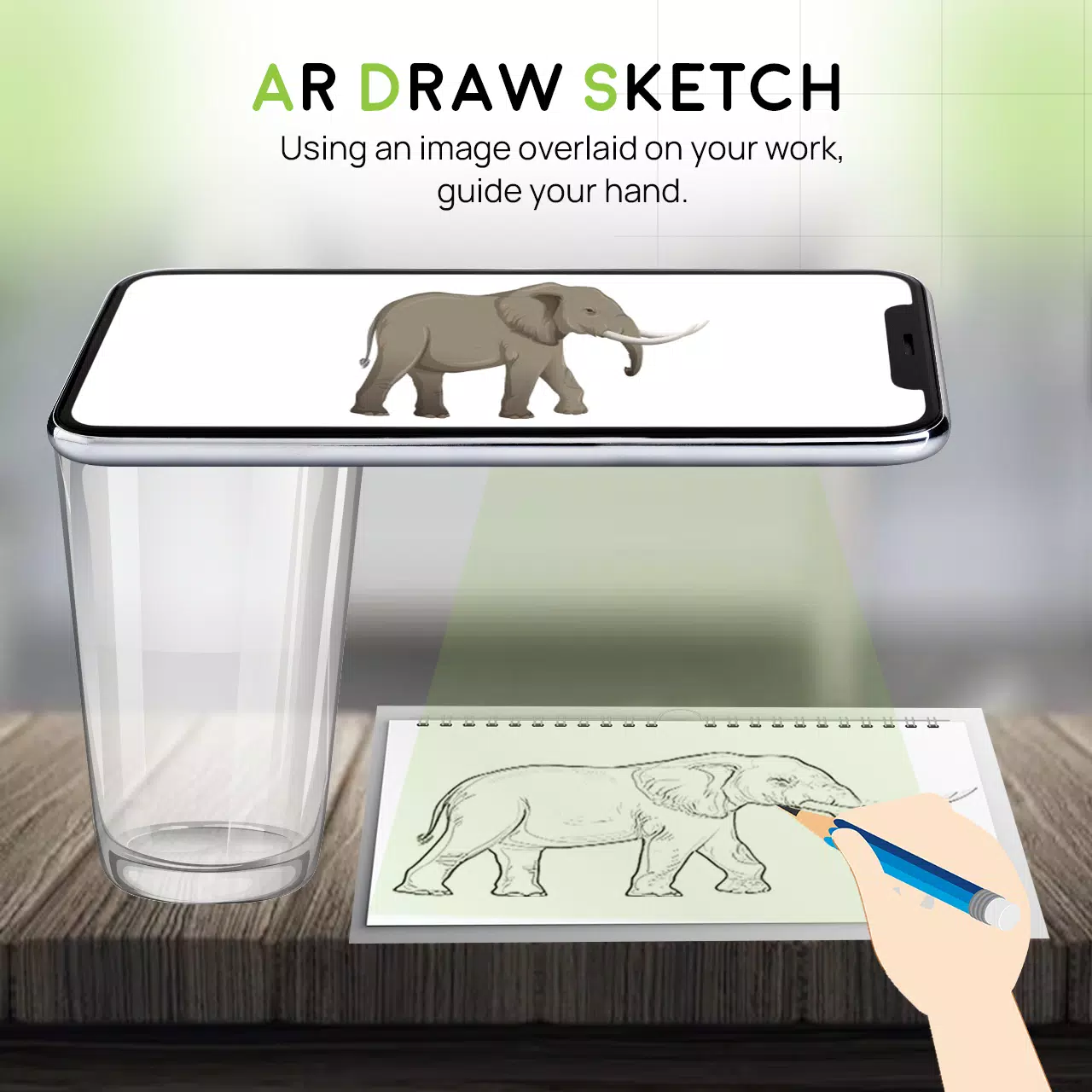
- A transparent version of your selected image will appear on your camera screen. Position your drawing paper, sketchbook, or preferred drawing surface beneath
- Draw directly on paper while viewing the transparent image through your phone's display
- Transform any selected image into a traceable template for your artwork
KEY FEATURES
- Intelligent drawing and sketching tools to enhance your artwork effortlessly
- Simple, intuitive interface for sketching anything you imagine
- Trace images using your camera or choose from the app's built-in collection
- Draw on physical paper while viewing transparent images through your phone's camera
- Select sample images provided within the app and recreate them in your sketchbook
- Convert gallery images into traceable templates for sketching on blank paper
- Easy-to-use platform for creating and learning artistic techniques
- Attractive, user-friendly interface design
What's New in Version 4.0
Last updated on August 24, 2023
Minor bug fixes and performance improvements. Install or update to the latest version to experience the enhancements!