A car dock application designed for effortless music listening and phone management while driving.
Car Home Ultra Overview
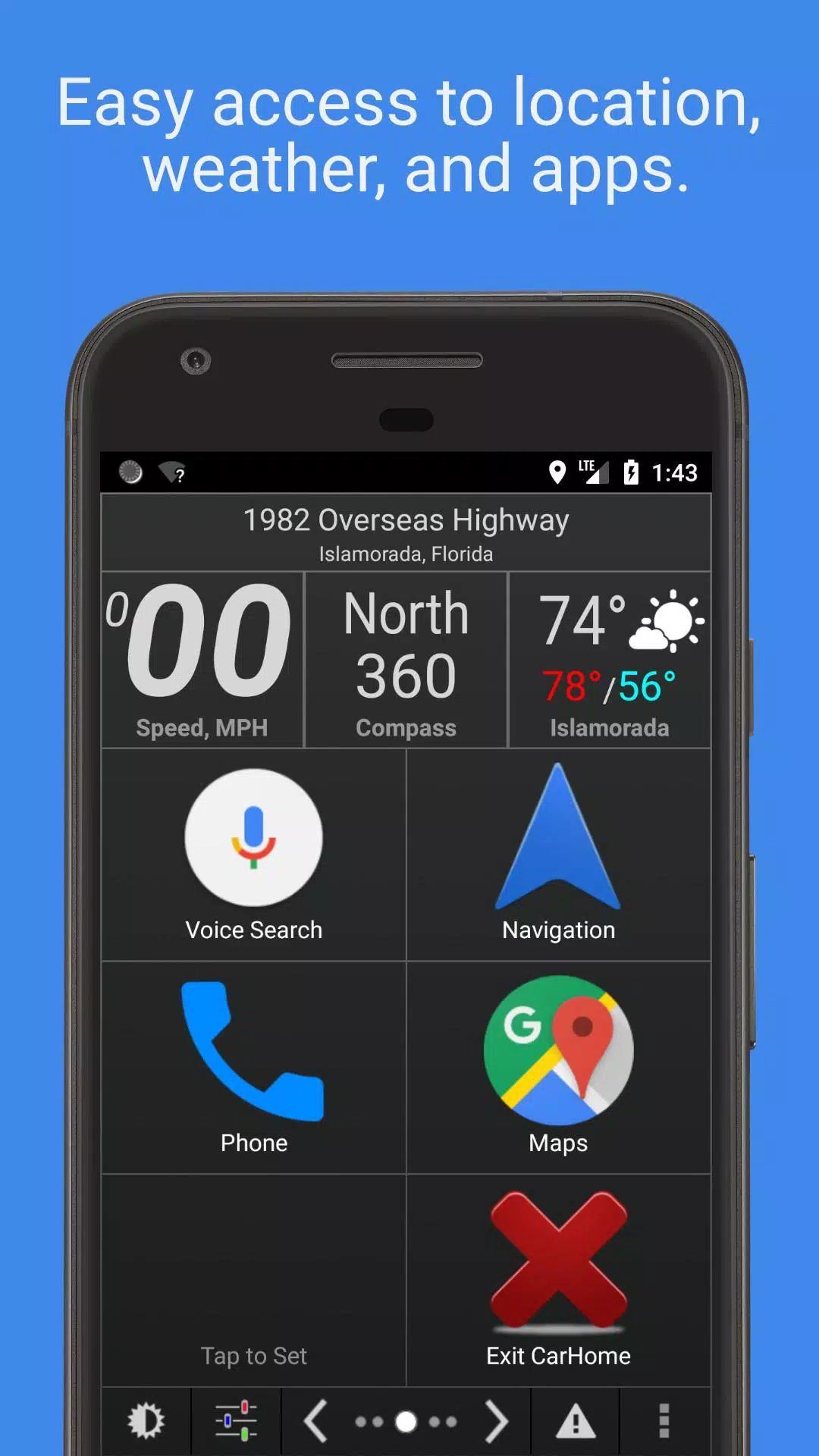
Car Home Ultra is a specialized car docking application that simplifies phone operation during drives. The app automatically launches when detecting your vehicle's Bluetooth connection. Quick access is always available through either the home button or a floating overlay button (configurable in Settings > Startup Options).
This smart application offers multiple automation features to optimize your phone for vehicle use, including:
- Automatic startup sequence
- Display brightness adjustment
- Audio volume control
- WiFi configuration management
- And numerous other convenient functions
Key Features
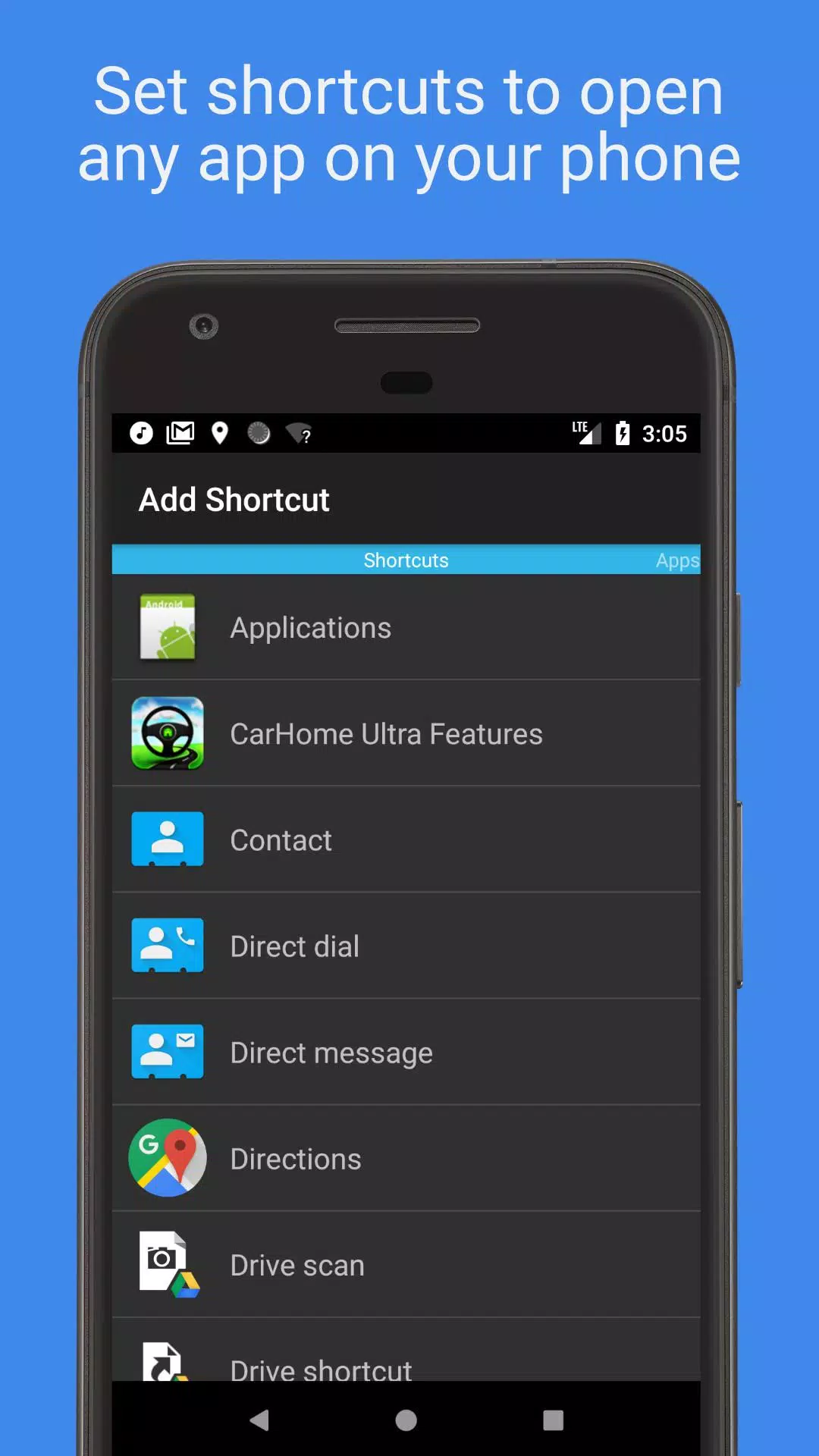
- Custom Shortcuts: Create unlimited shortcuts for apps, speed dial contacts, or navigation destinations
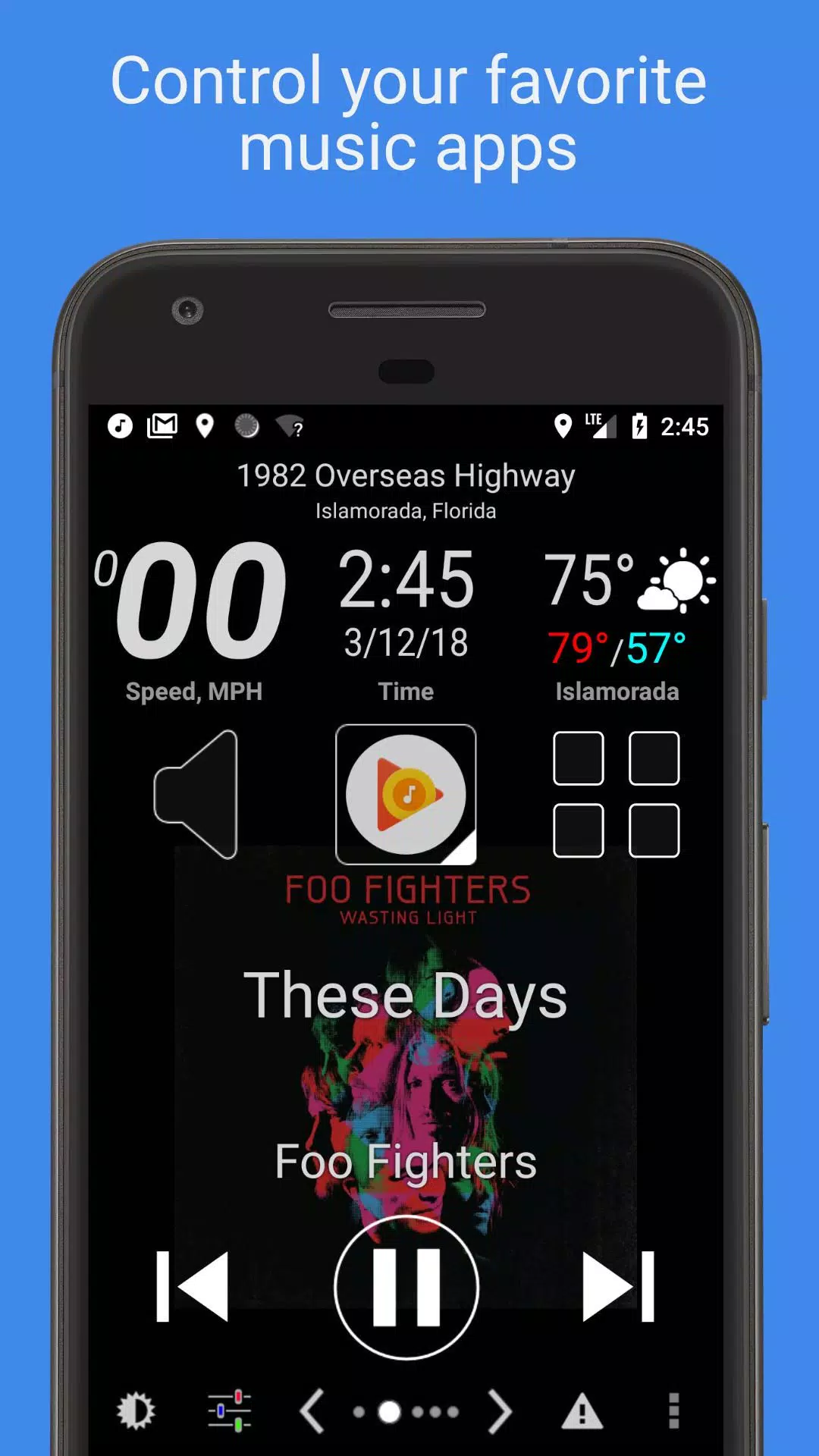
- Media Control: Large, visible buttons for controlling music and podcast apps
- Driving Data: Real-time speed, location, weather, and altitude displays
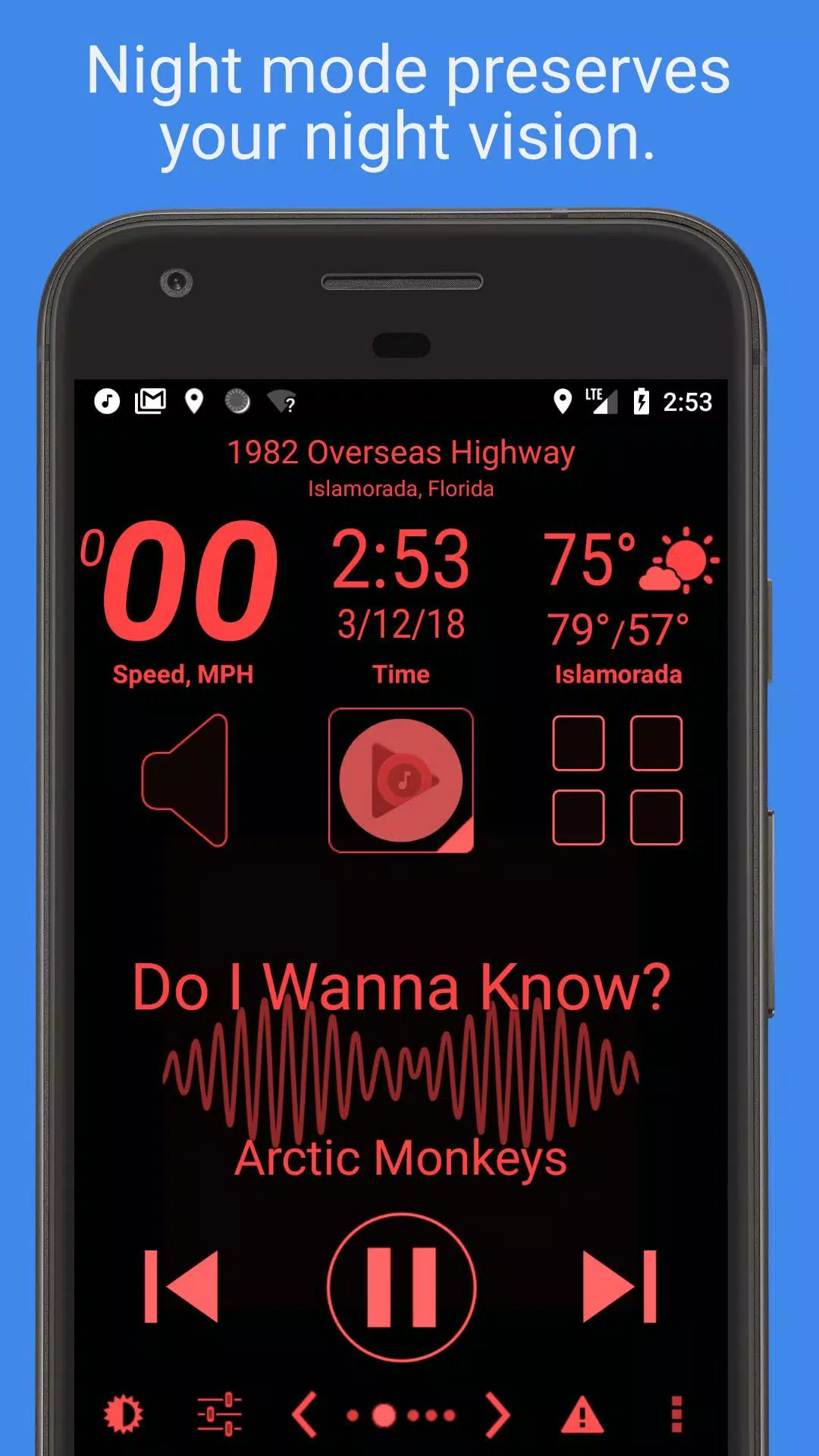
- Visual Customization: Multiple skins and color themes with automatic day/night mode switching
- Safety Features: Automated SMS responses and speed alerts to maintain driving focus
Mark the Geek: "CarHome Ultra for Android - The ideal car docking solution"
Note: Android 4.2+ users can enable complete hands-free operation through Google Voice Commands. Learn more about voice control setup
Important: This is a 30-day trial version. For continued use, please purchase the full CarHome Ultra License.
Complete Feature List
Dashboard Widgets
- Voice-activated speedometer
- Digital compass
- Altitude tracker
- Battery monitor
- Time display
- Weather conditions with voice output
- GPS location with voice announcement
Additional Functionality
- Universal media playback controls
- Unlimited customizable shortcuts
- Geo-fence notifications
- Customizable day/night themes
- Multiple interface skins
- Sunrise/sunset automatic theme switching
- Auto speakerphone activation
- Bluetooth auto-connect features
- WiFi auto-management
- Unit conversion (KMH/MPH, °C/°F)
- Full-screen viewing mode
- Custom icon support
- Screen orientation locking
- Material Design interface
- Display brightness control
- Audio volume management
- Haptic feedback options
- Notification muting
- Multiple layout options (6-button, 8-button, media-focused)
- Power-saving sleep mode
- Display timeout prevention
- Media playback termination on exit
Historical Note: This application partially inspired the development of Android Auto.
Support Information
For technical assistance, please contact: [email protected]
Permission Explanations
- Device History: Required for media controller functionality
- Contacts: Enables speed dial shortcuts (calendar permission is bundled)
- Location: Powers GPS features including speedometer and weather
- Phone: Necessary for direct calling functionality
- Storage: Used for debug logging (media permissions are bundled)
- Microphone: Enables future voice features and current audio visualization (camera permission is bundled but unused)
- WiFi: Allows network management automation