
Crop, cut out, and overlay photos with simple hand-drawn tools
A straightforward image editor designed for cropping and overlaying images. Essential tools only—nothing unnecessary!
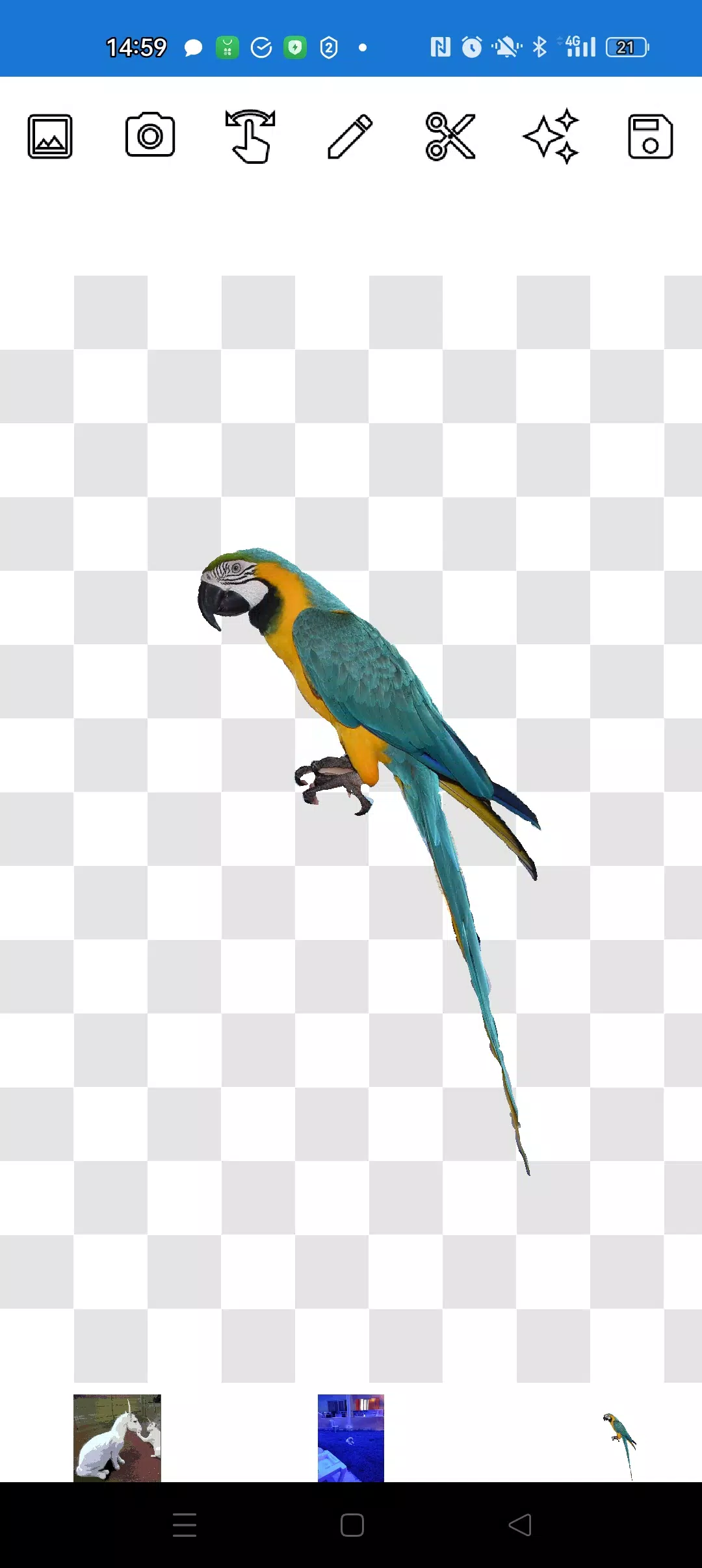
This app lets you cut out any part of a photo and layer it over another picture.
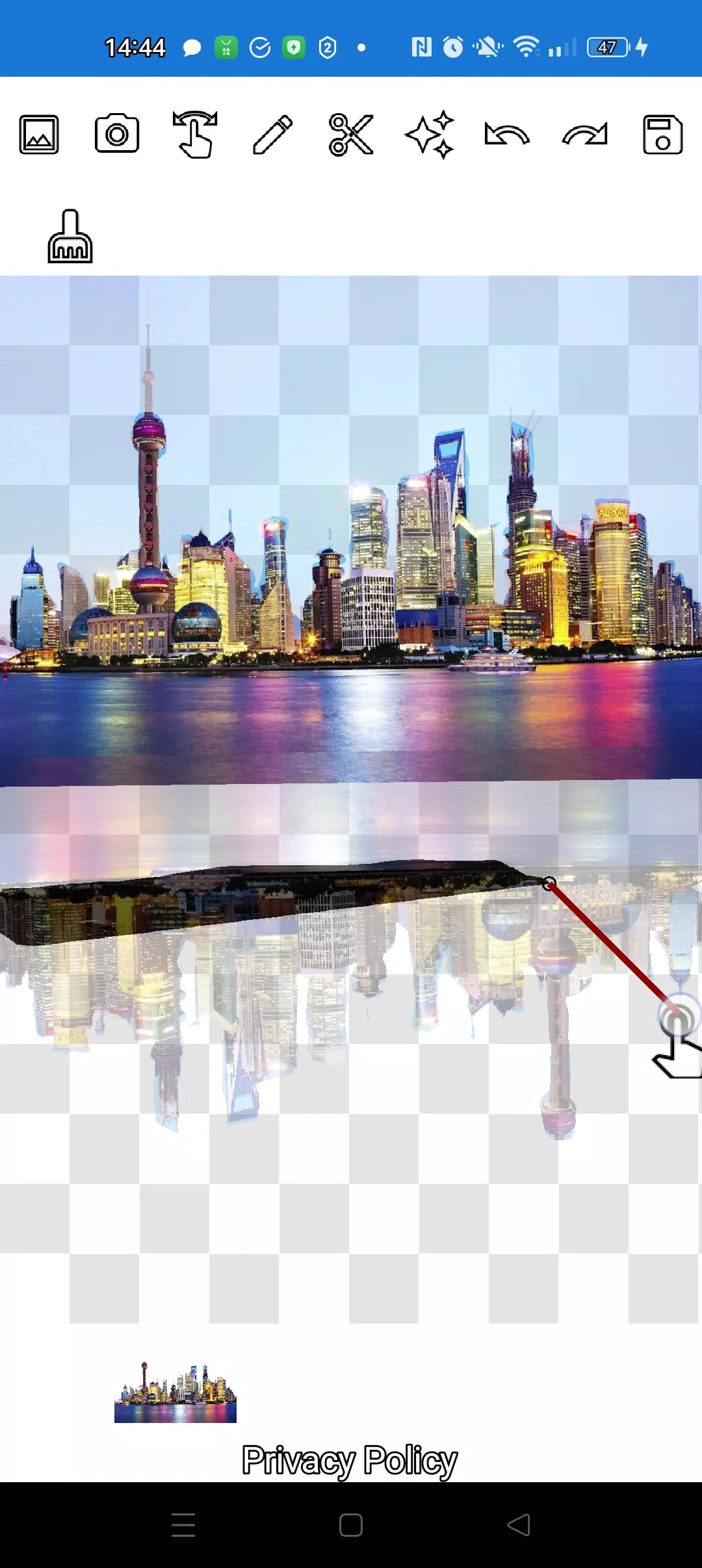
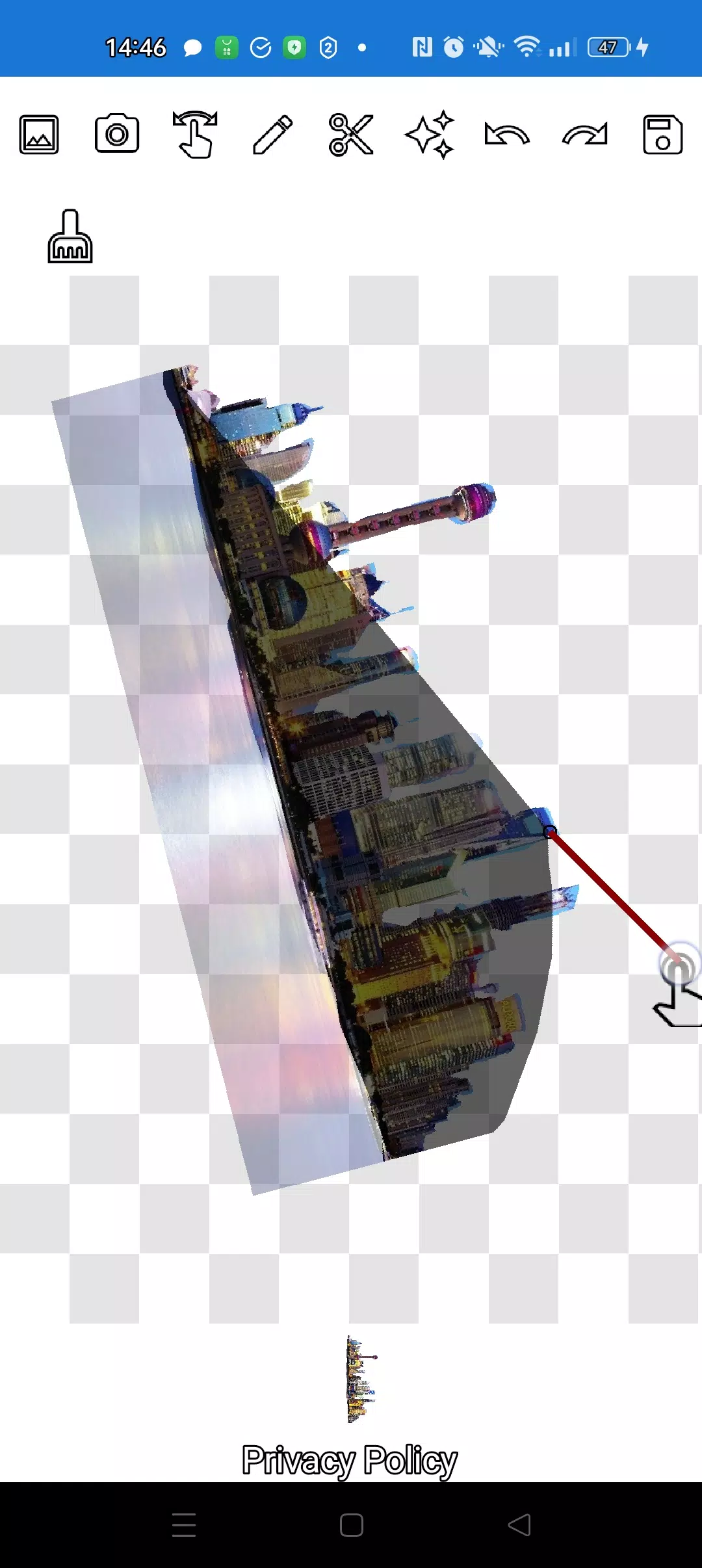
You can extract any object, even tiny details, using two flexible tools: the pencil ✏️ and the lasso.
Use the pencil to draw over your image—adjust transparency to turn it into an eraser. Choose any pencil thickness. To make an object semi-transparent, set medium pencil transparency. Refine edges by adjusting transparency levels.
Tap the "magic" tool next to the save button: it helps objects blend seamlessly into the background.
For intricate cuts, zoom in using the manipulation mode (finger gesture), and carefully trace the outline with the pencil or lasso.
Create complex collages and layered compositions in minutes!
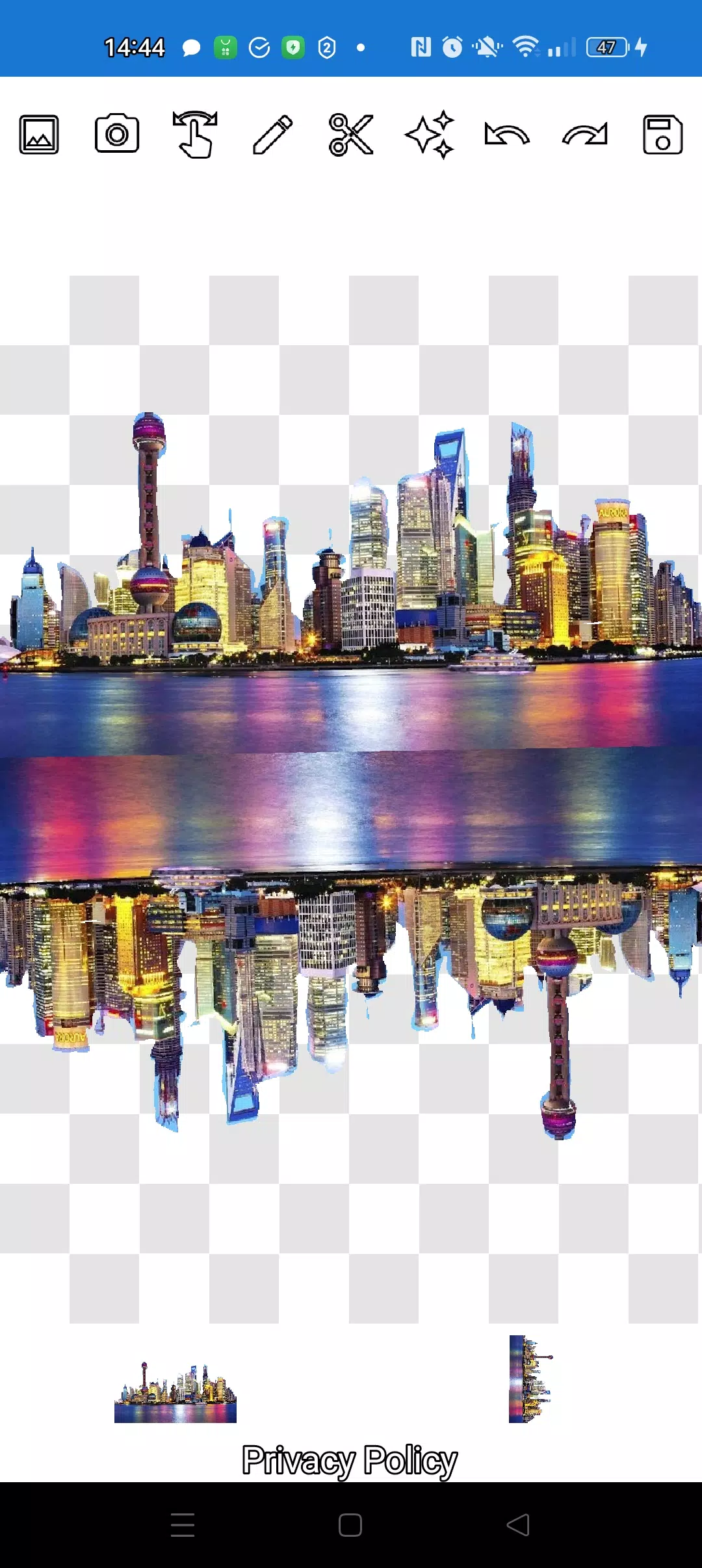
Stack as many images as you want. Just pick multiple photos from your gallery, cut out objects, set one as the background, arrange everything, and save your creation. Tip: first pick the overlay image to cut out, then choose the background—the overlay stays put. Tap a layer at the bottom to bring it to the top.
If you want to remove an image, swipe it almost off the screen to delete it.
Save your work by selecting a cropping area. In crop mode, choose a rectangular section and tap the checkmark—your edited photo saves to the gallery.
Don't worry about layer order. All layers appear at the bottom. One tap brings any layer to the front. It’s that simple—you have full control over object and background arrangement.
The only challenge might be switching between modes (manipulation, pencil/eraser, or lasso). But after a minute or two of practice, it becomes second nature!
Impress friends on social media and messengers with creative images. Make memes, fakes, and jokes! This app is a handy, no-fuss tool—ideal for quick social posts, business visuals, logos, and banners when you’re short on time and don’t have a full editor.
Use the app anywhere—café, subway, or airplane—it works offline!
Simple tools from Pimur.
Thanks for reading all the way through. We'd love your feedback below—it means a lot to us!)
What's New in the Latest Version 4.5
Last updated on Sep 17, 2024
Minor bug fixes and improvements. Install or update to the newest version to check it out!