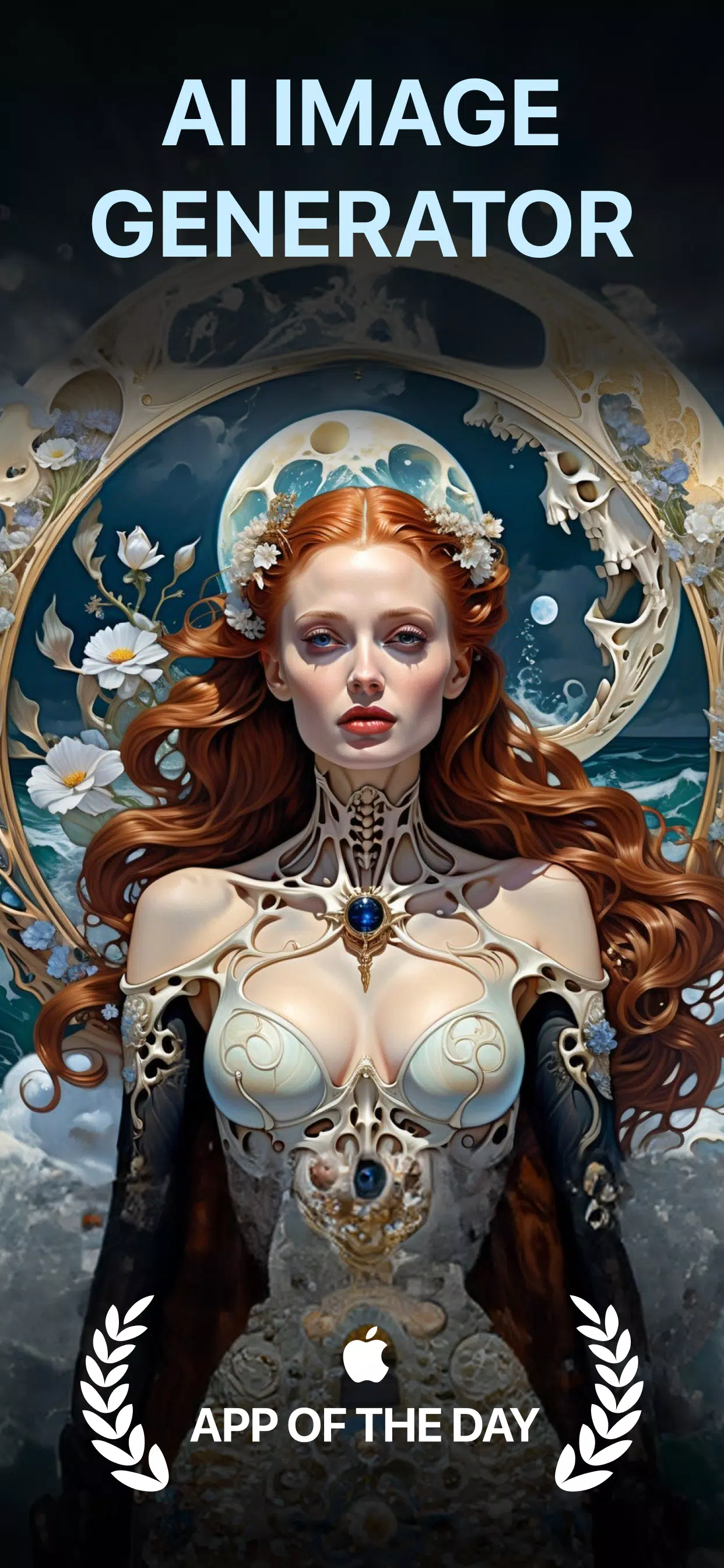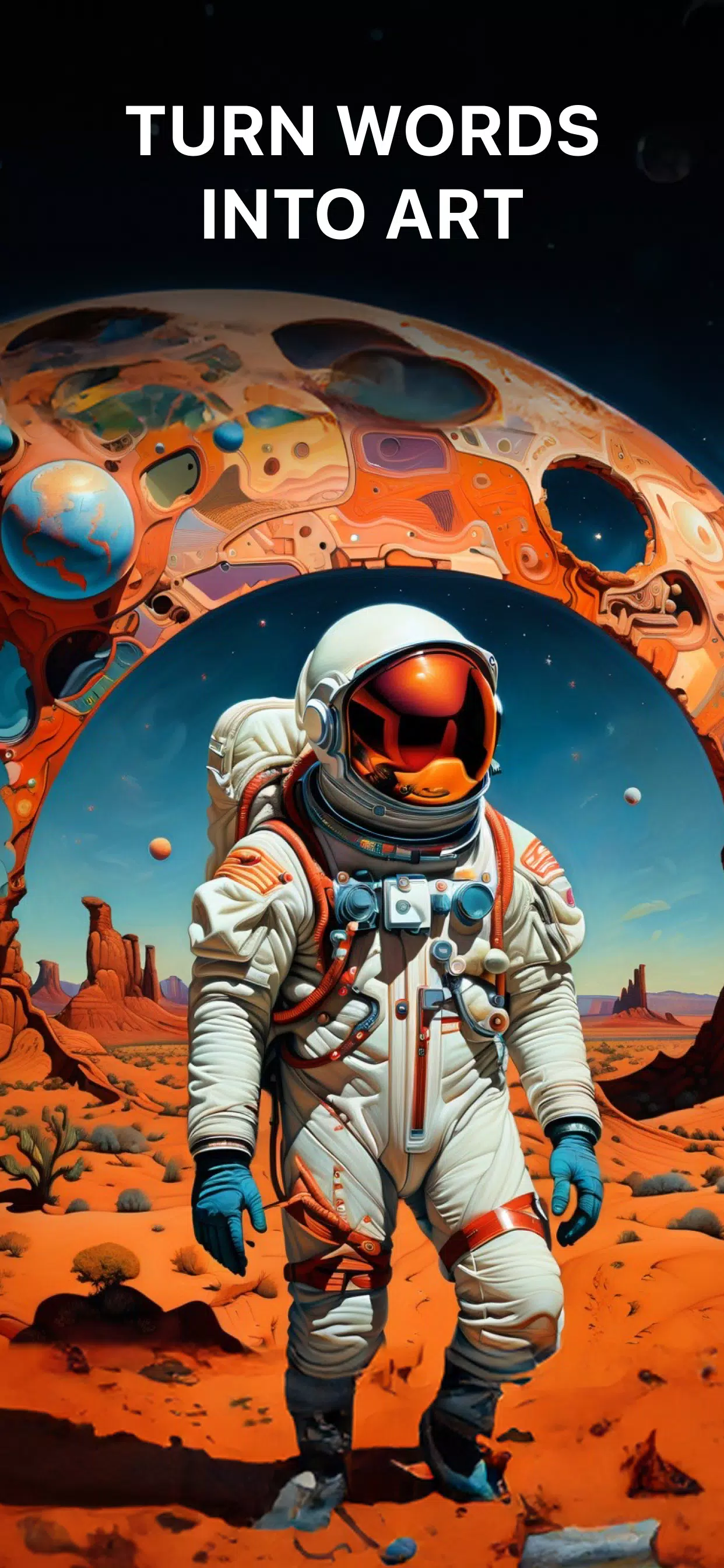
AI Art Generator transforms your words into AI generated art & paintings.
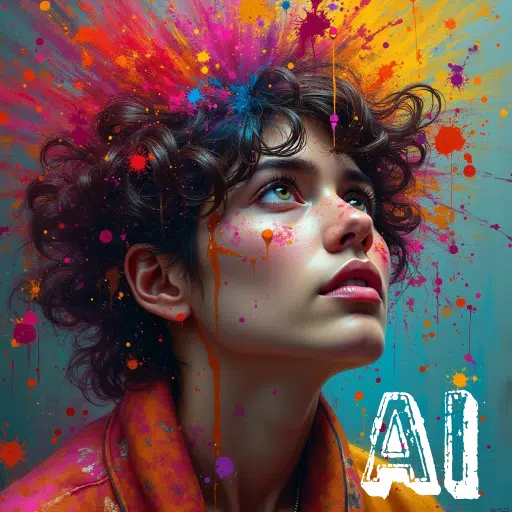
Transform your text and images into breathtaking AI-generated artwork! All you need to do is enter a prompt, select an art style - and watch DaVinci AI bring your vision to life in seconds!
DaVinci is a cutting-edge AI Image Generator app. Leveraging the latest artificial intelligence technology, it creates unique artworks, photos, and images based entirely on your descriptions.
Here are some cool things you can ask DaVinci AI to paint for you:
Digital Artworks
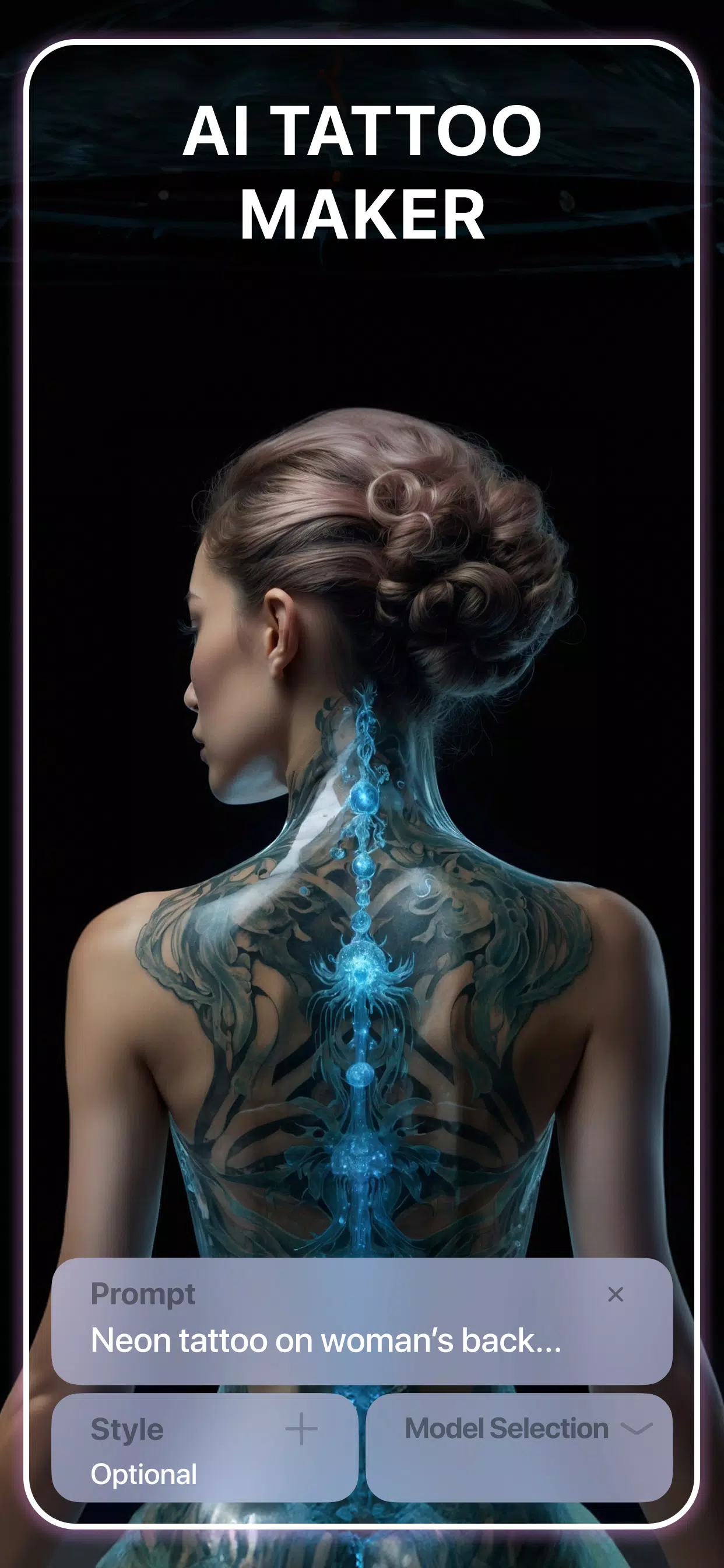
Tattoo Designs
Logo Designs
T-shirt Designs
Hyper-realistic AI-generated photos
AI-generated avatars of yourself
... and much more!"
✨Key Features
► AI Art Generator
Our AI art generator, trained on millions of images from the web, allows you to craft unique and captivating artwork in seconds. Simply type your text or upload a photo to start generating AI-created art.
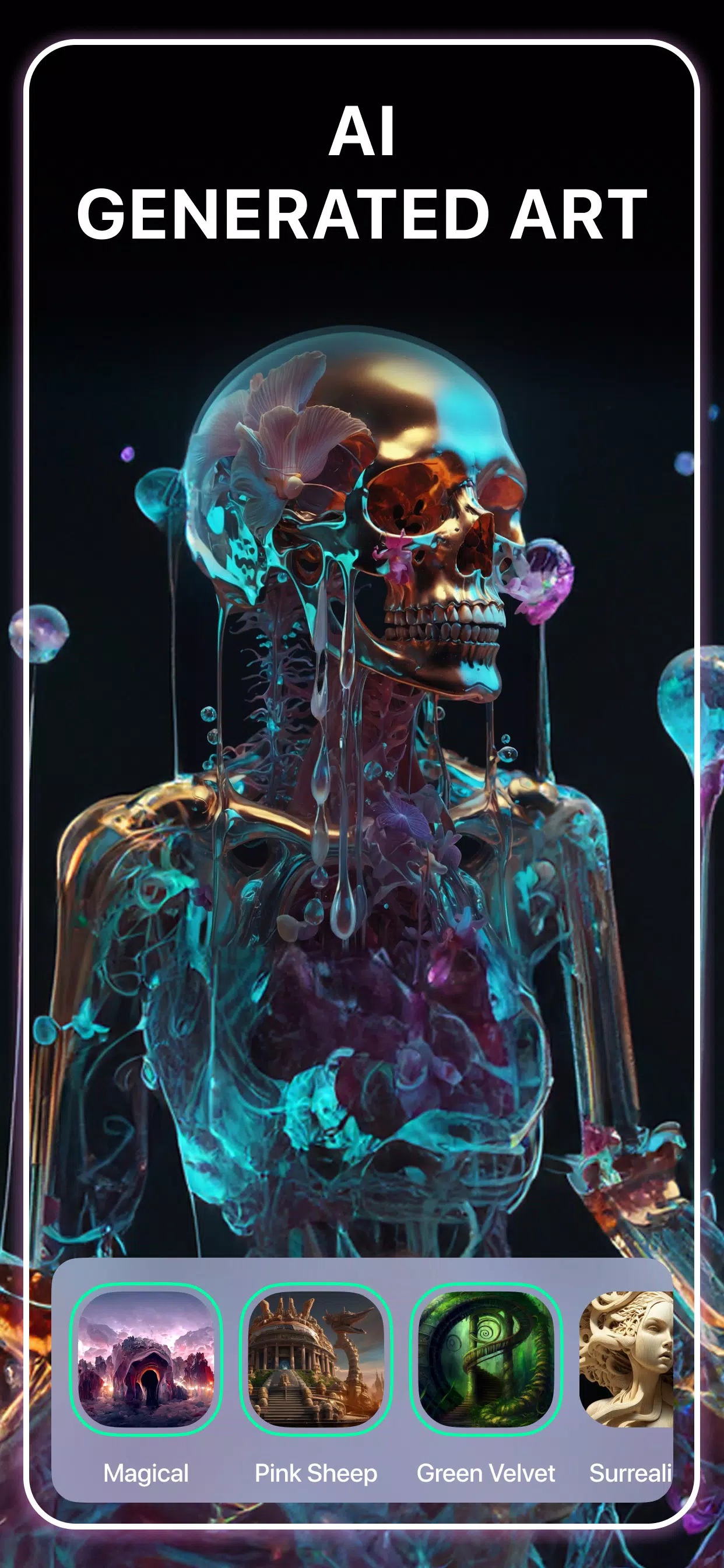
► Pick from a variety of art styles
DaVinci AI Image Generator offers a wide range of artistic styles to choose from. Experiment with different looks, from cartoon-like pencil sketches to stunning photorealism, and discover the one that best transforms your vision into beautiful AI art.
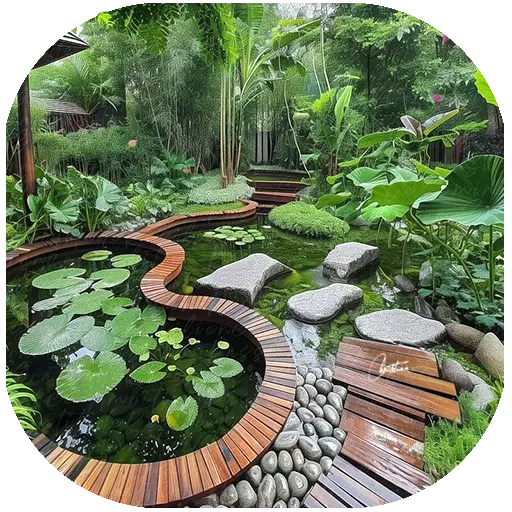
► Create unique artwork for your home or room.
Looking for the perfect piece for your space? Describe your idea to AI Art Generator, and it will craft a one-of-a-kind artwork tailored just for you. If you love the result, download it in high resolution and have it printed to proudly display at home.
► AI Tattoo Generator
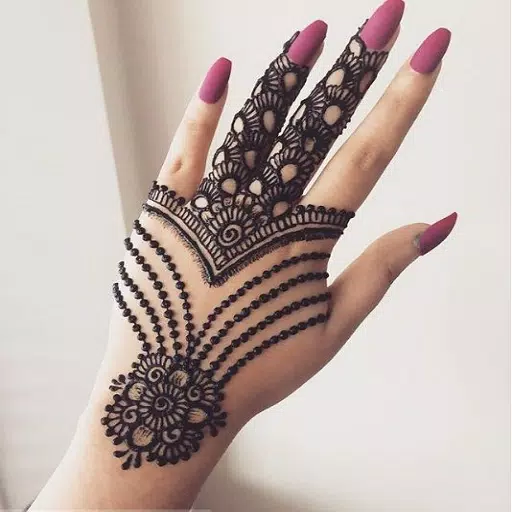
With DaVinci AI, you can generate unique tattoo designs within seconds. Simply type your idea, and let our powerful AI art generator work its magic. The AI tattoo feature produces amazing and distinctive designs. Our tattoo maker brings your ideas to life and inspires you to create unique tattoos.
► AI Logo Generator
The AI Logo Generator feature creates professional logos in seconds. Obtain a high-quality logo for your business without any external help. Simply enter your business name, describe your design needs, and voila - your professional logo is ready. Easily craft professional AI logos with the app.
► AI Image Generator
The AI Image Generator feature produces hyper-realistic, high-resolution photos and images from your prompts. You'll be amazed at how lifelike and realistic the AI-generated photos appear.
► AI Avatar Generator
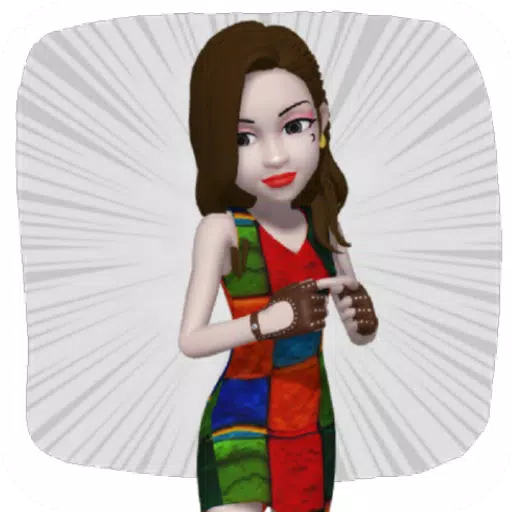
Create extraordinary avatar versions of yourself using the latest artificial intelligence technology. Simply upload your photos, select your desired styles, and watch DaVinci work its magic. Transform into a soccer player, an astronaut, or explore dozens of other styles. With the AI Avatar Generator feature, the choice is entirely yours.
► Share your Creations & Go Viral
If you've created something you love using DaVinci’s powerful AI-art generator, share your masterpieces directly from the app to platforms like WhatsApp, Facebook, Instagram, and more.
Creating AI-generated art has become effortless and readily accessible from mobile devices.
Similar to popular tools like Midjourney, Dall-e, Stable Diffusion and AI Mirror, our AI Art Generator is backed by the latest artificial intelligence to transform your written prompts into art. No brushes, pencils, or art supplies are needed; only your imagination. Sit back and let DaVinci AI become the artist behind your vision!
We value your feedback! If you have suggestions or comments to make DaVinci AI better, we'd love to hear from you. Don't hesitate to contact us at [email protected]
What's New in the Latest Version 3.7.9
Last updated on Nov 4, 2024
Minor bug fixes and improvements. Install or update to the newest version to check it out!