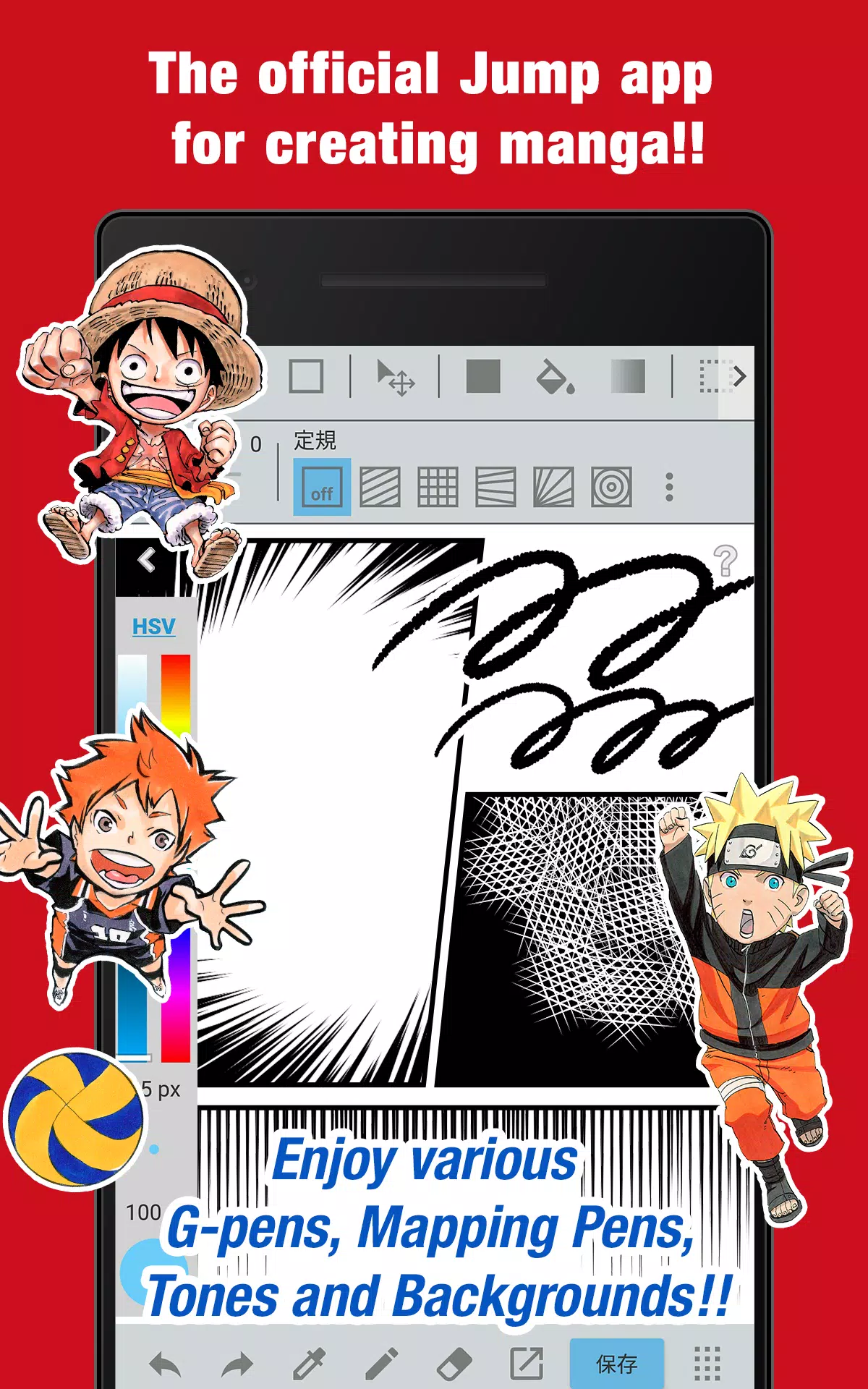
Unleash your inner manga artist with the official Jump app! Packed with exclusive tips from Jump manga creators.
■ Create authentic Weekly Shonen Jump-style manga and illustrations completely free of charge!
Access professional tools like G-pens, Mapping Pens, screentones and premium backgrounds at no cost!
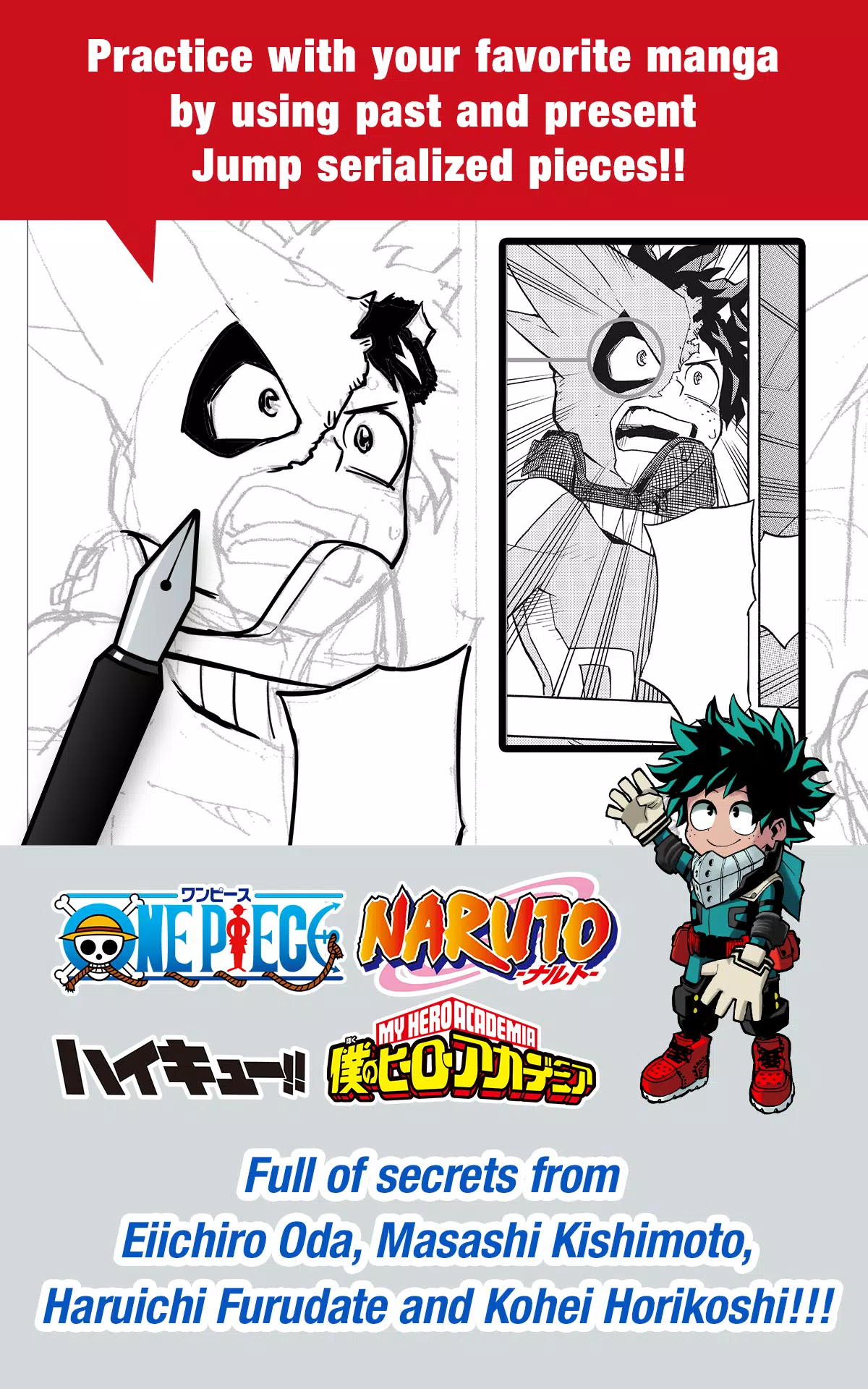
■ Perfect your skills using actual published manga from Jump's legendary series, both classic and current!
Discover professional techniques from master creators including Eiichiro Oda (One Piece) and Kohei Horikoshi (My Hero Academia)!
■ Master manga creation with expert guidance from Jump's editorial team!
Comprehensive tutorials covering storytelling, character design and compelling dialogue!
■ Submit your work to official Jump competitions!
Stay updated on contest announcements and deadlines through the app. Your big break awaits!
What is JUMP PAINT?
The ultimate manga and illustration app - born from the collaboration between MediBang Paint (12 million downloads) and Weekly Shonen Jump.
JUMP PAINT was specially designed to give creators a complete mobile drawing studio using MediBang Paint's powerful technology.
JUMP PAINT is the ideal illustration and manga software, featuring extensive brushes, materials and professional manga fonts for endless creative possibilities.
■ Draw Anywhere!
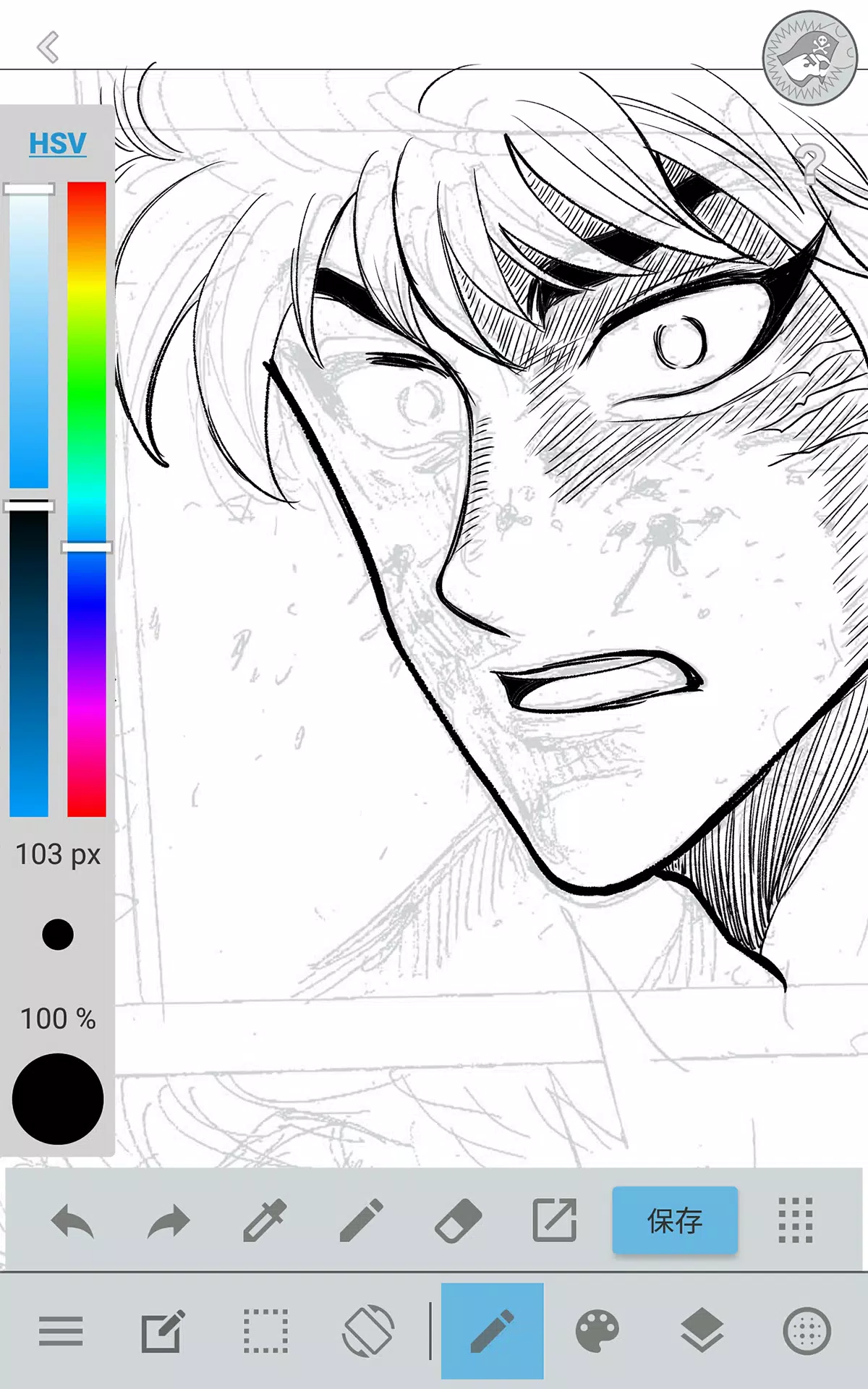
・Carry a full desktop-class painting studio in your pocket with JUMP PAINT's comprehensive feature set.
・Despite its powerful capabilities, JUMP PAINT features an interface specifically optimized for iPhone usability.
・Toggle the user interface with a single touch for maximum drawing space.
・Streamlined controls let you adjust brush sizes and color modes effortlessly.
■ Painting Tools
・Access 90 professional brushes completely free!
・Beyond standard Pens, Pencils and Watercolors, choose from 50+ specialized brushes including G Pens, Mapping Pens, Acrylics, School Pens and Soft Pastels.
・Advanced stroke control with Force Fade features ensures crisp lines even when drawing with fingertips.
・Design and save your own custom brushes for unique artistic expression.
■ Free Resources
・Choose from 800+ premium screentones and background textures.
・Ready-made elements include detailed clouds, architectural structures and various vehicles.
・Apply professional tones instantly with one-touch functionality.
■ Layers
・Work with multiple layers featuring advanced blending modes.
・Organize different artistic elements separately while maintaining workflow flexibility.
■ Comic Fonts
・Transform your comic's visual impact with specialized typography.
・Express character emotions and personalities through carefully selected text styles.
・Access 50 professional-grade fonts used by manga industry experts.
■ Comic Creation
・Intuitive panel creation with simple drag gestures across your screen.
・Customize panel layouts with flexible transformation tools.
■ User Friendly
・Personalize your workspace with customizable shortcuts
・Beginner-friendly design makes digital art accessible to all skill levels.
・Clean interface maximizes drawing area while keeping tools accessible.
・Switch to distraction-free full-screen mode with one tap.
■ Other Tools
・Specialized guides for perspective drawing, straight lines and smooth curves.
・Stroke stabilization technology helps create cleaner, more confident lines.
■ Photo Reference
・Capture reference photos directly within the app and place them on separate layers.
・Use photographic references for accuracy or as learning tools for new subjects.
■ Cloud Storage
・Secure cloud backup ensures your artwork remains safe and organized.
・Seamlessly transfer projects between devices for continuous workflow.
■ Manage Project
・Organize and save multi-page comic projects with professional file management.
■ Syncability
・Synchronize your custom settings with the desktop version of JUMP PAINT.
■ Team Creation
・Collaborate remotely with creative partners on shared projects.
■ Auto Recovery
・Automatic data protection recovers your work if devices experience unexpected issues.
IMPORTANT
Cloud features require a free MediBang account(https://medibang.com/).