If you’re a fan of Call of Duty: Warzone, you know how frustrating it can be when server issues crop up. This popular Battle Royale game attracts millions of players daily, but like any online multiplayer title, it’s not immune to occasional hiccups. From matchmaking delays to outright server outages, these disruptions can seriously dampen your gaming experience. Fear not—this guide will walk you through how to check the game’s server status and troubleshoot connectivity problems effectively.
Quick Links
- How To Check If Call Of Duty: Warzone Is Down
- Are Call of Duty: Warzone Servers Down?
- How To Fix Connectivity Issues In Call of Duty: Warzone
Call of Duty: Warzone’s vast player base means it’s always teeming with action. Whether you’re diving into the latest Resurgence map or grinding for Mastery Camos, server stability is key to keeping the momentum going. But when things go south, knowing how to diagnose the problem—and fix it—is essential.
Updated on January 14, 2025, by Max Candelarezi
Server issues often pop up after major updates or patches, causing everything from matchmaking failures to full-blown crashes. This article has been updated to include a dedicated section on server status, inspired by a recent patch that temporarily disrupted matchmaking. Although the problem was short-lived, it highlighted the importance of staying informed about server health.
How To Check If Call Of Duty: Warzone Is Down

If you suspect something’s wrong with Warzone’s servers, here’s how to confirm it and figure out what’s going on.
1. Check Activision’s Support Online Services
The simplest method is visiting Activision’s official Support Online page. This platform tracks server statuses across all Call of Duty games, including Warzone. If there’s an outage or maintenance happening, you’ll see clear notifications with details about the issue and expected resolution time.
2. Follow COD Updates on Twitter/X
The official Call of Duty Twitter account, @CODUpdates, is another reliable source. It provides real-time updates on server problems, patch notes, and maintenance schedules. Keep an eye on this account for quick alerts whenever there’s trouble brewing.
Are Call of Duty: Warzone Servers Down?
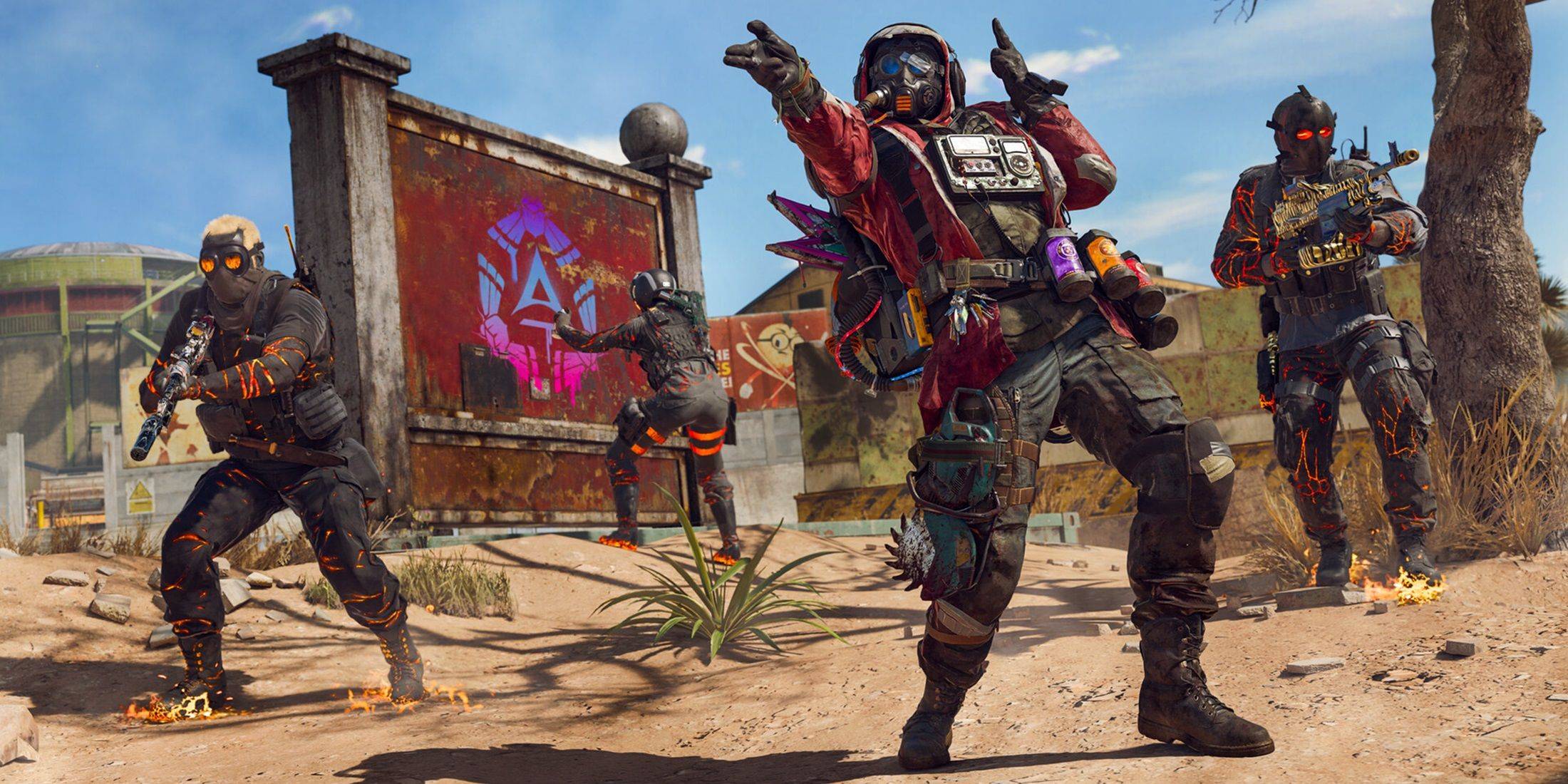
As of January 13, 2025, Warzone servers were briefly down due to a patch that caused matchmaking issues. While players couldn’t enter matches in any mode, the problem was swiftly resolved within hours. Developers acknowledged the issue via their Twitter feed, explaining that it stemmed from a bug in the patch.
To prevent similar problems in the future, additional fixes were rolled out to stabilize the servers. If you encounter server-related hiccups today, rest assured that the team is actively working behind the scenes to keep things running smoothly.
How To Fix Connectivity Issues In Call of Duty: Warzone
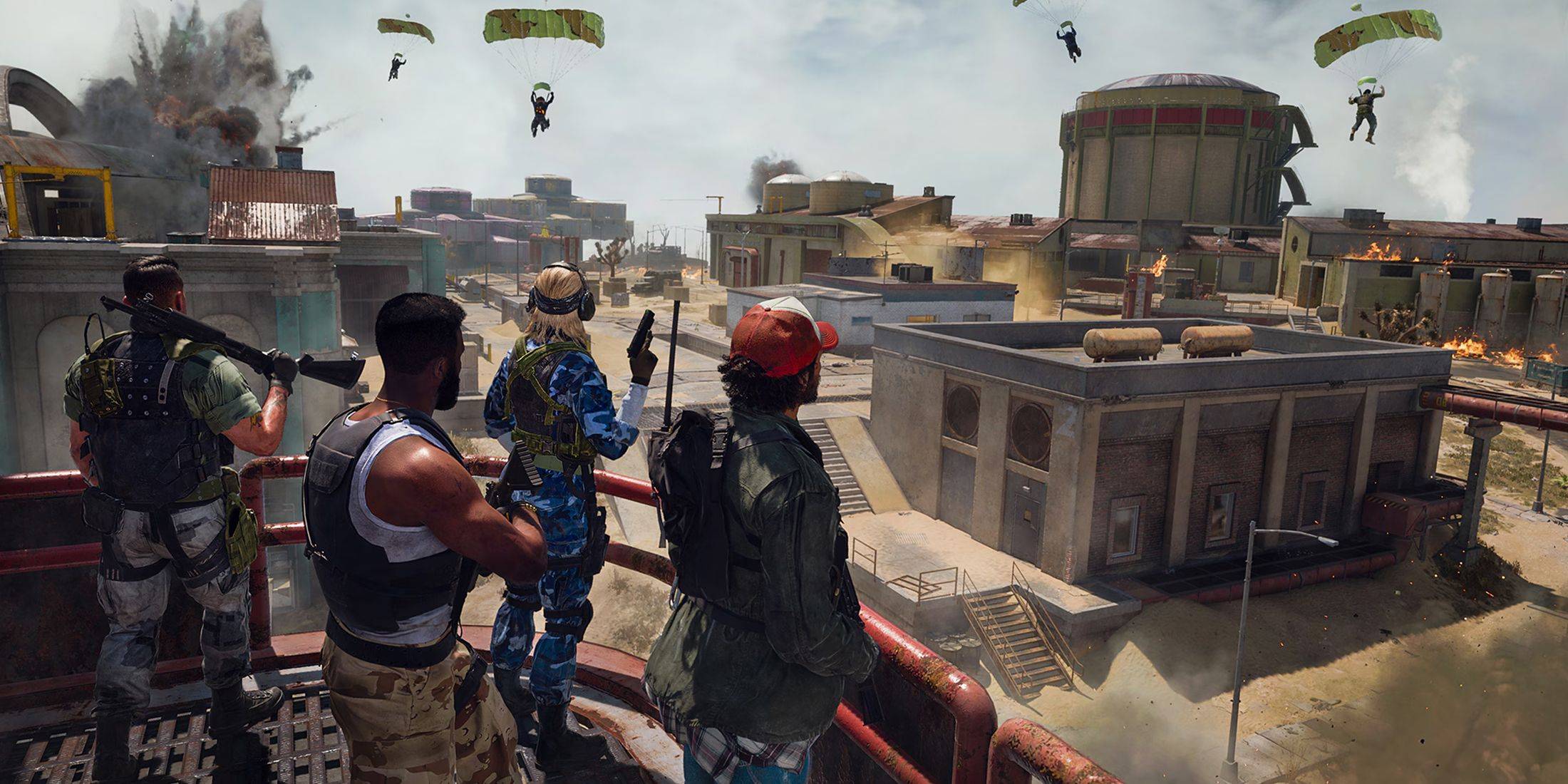
Even when servers are up, connectivity issues can still rear their heads. Follow these troubleshooting steps to get back in the fight:
1. Ensure Your Game Is Up-to-Date
Running outdated versions of the game can lead to connection problems. Open the Call of Duty app on your platform, navigate to the “Search for Update” option, and make sure your game is fully updated. Installing any pending patches ensures compatibility and minimizes potential bugs.
2. Restart Warzone
Sometimes, simply closing the game and relaunching it can resolve minor issues. After seasonal updates or playlist changes, this step often clears lingering glitches.
3. Check Your Router Connection
Local network problems can mimic server outages. Verify that your router or modem is functioning correctly. Look for any unusual light patterns or signs of malfunction. If needed, perform a hard reset by unplugging the device, waiting 30 seconds, and plugging it back in.
4. Test Your Network Connection
Use tools like Speedtest or your router’s diagnostics to check your internet speed and stability. Both Wi-Fi and Ethernet connections can experience fluctuations, so it’s worth verifying your setup.
5. Switch Connection Methods
If you’re on Wi-Fi, consider switching to a wired Ethernet connection for enhanced reliability. Conversely, if you’re already on Ethernet, testing Wi-Fi might help identify issues related to your current setup.
By following these steps, you’ll be well-equipped to handle any server or connectivity challenges that come your way. Stay connected, and happy gaming!