Many players may not be aware of Infinity Nikki's engaging social feature: the ability to add friends. If you're wondering how to do it, this guide will walk you through the entire process.
Table of Contents
Adding Friends 0 0 Comment on this
Adding Friends
To begin, press the Esc key to open the main menu.
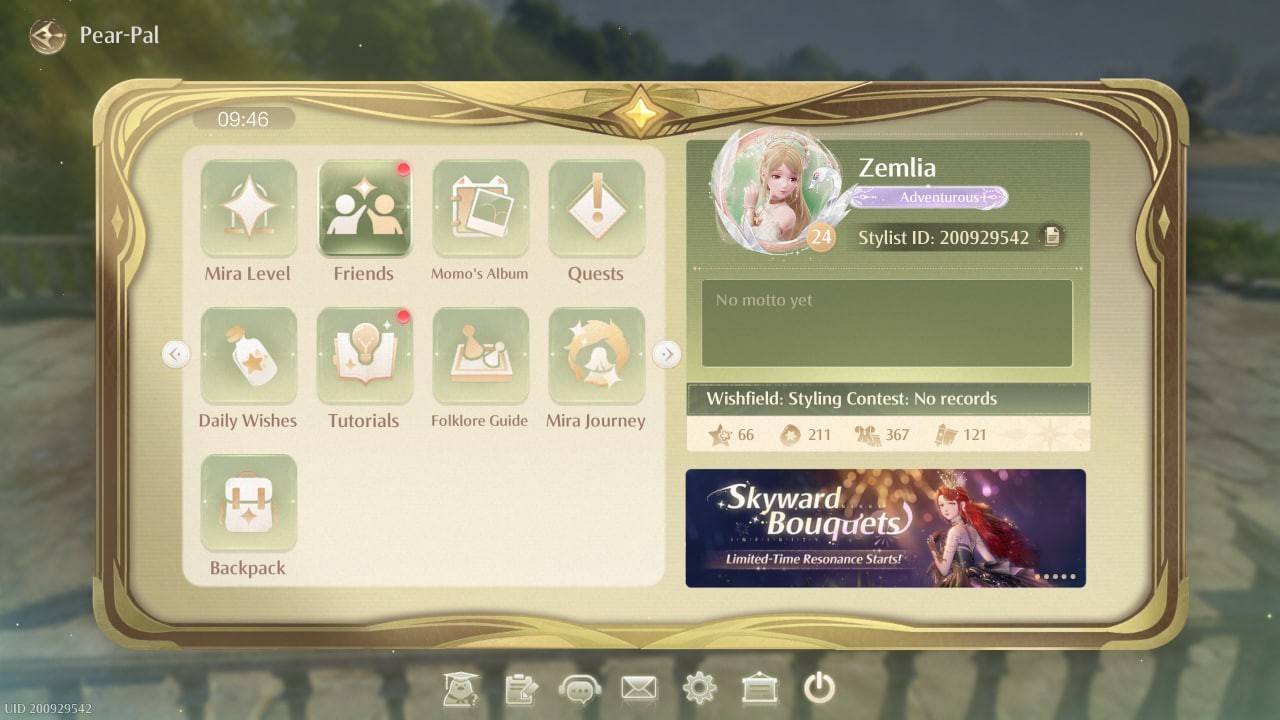 Image: ensigame.com
Next, locate the Friends tab. You should find it easily, as the game's menu interface is quite straightforward.
Infinity Nikki also offers a name search function, making it simple to find specific players. Just type their name into the search field to send a friend request. Once they accept, you're connected.
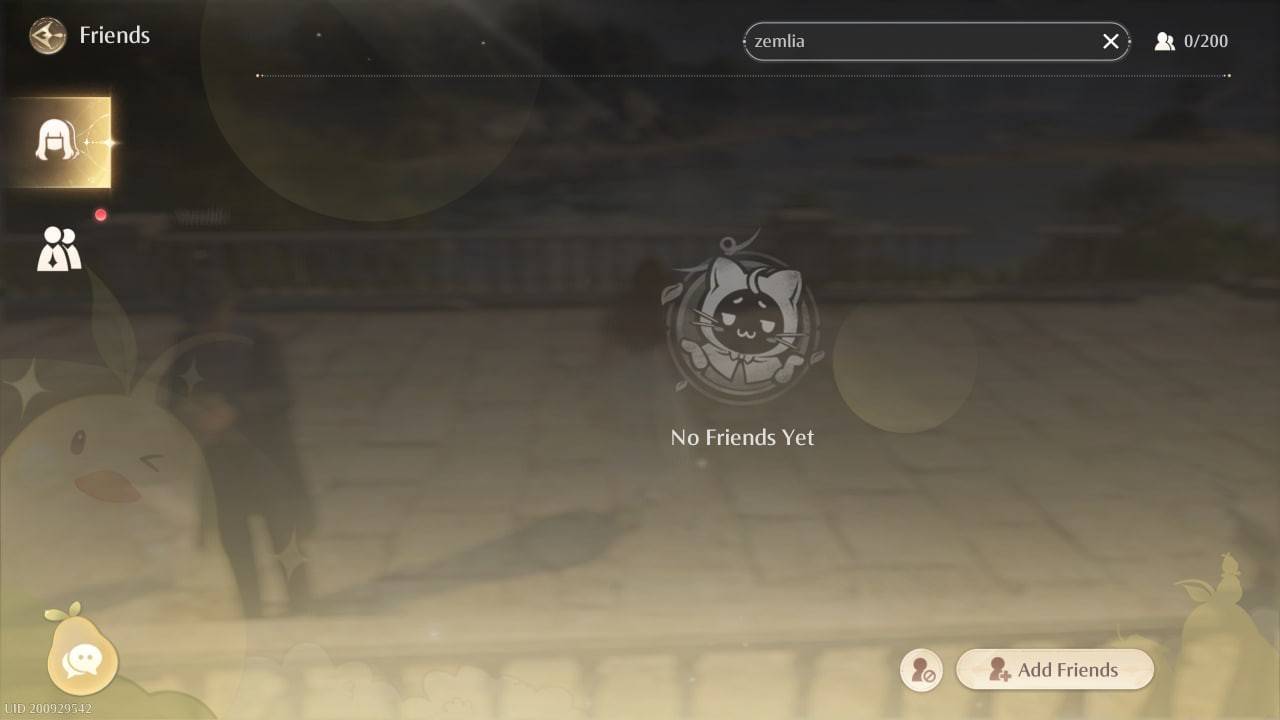 Image: ensigame.com
For some players, creating a unique friend code might be even more convenient. You can share this code with anyone. To generate your code, simply double-click the button in the lower-right corner of the Friends screen.
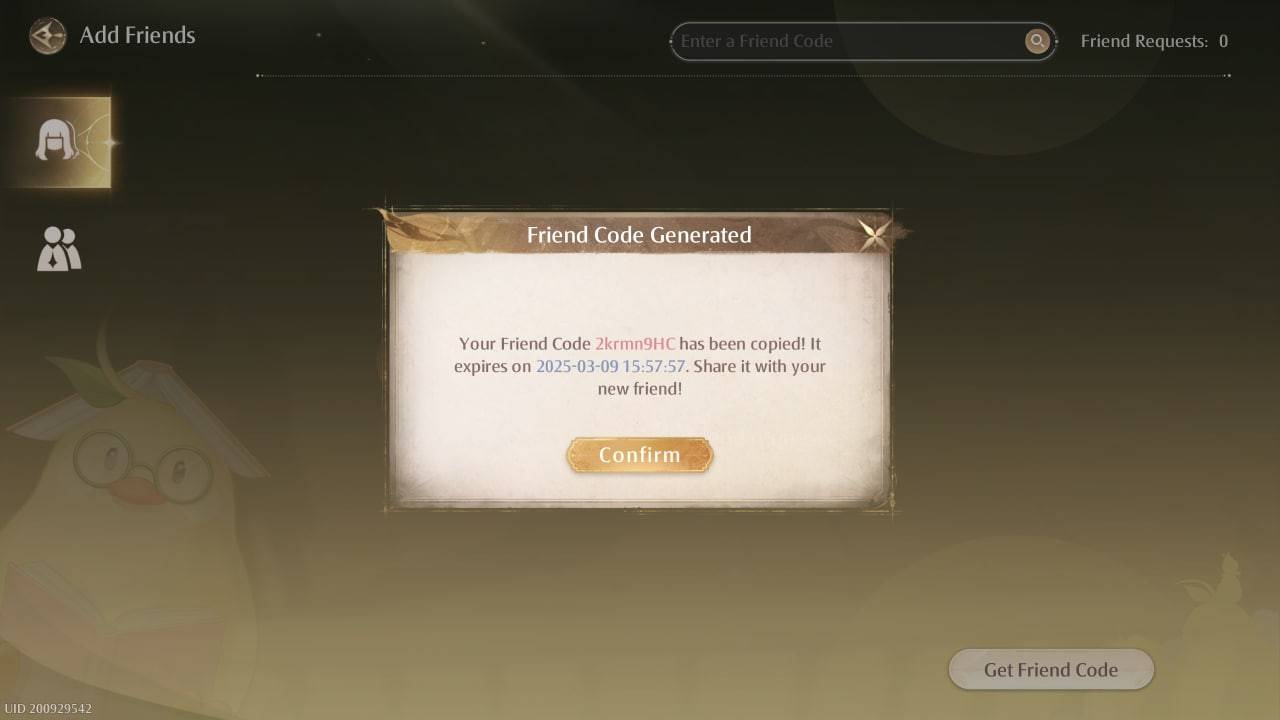 Image: ensigame.com
This system allows you to connect with other fashion enthusiasts, chat, share creative ideas, and showcase your latest outfit designs.
Of course, this interaction is supported by the in-game messaging feature. Access the chat by clicking the pear-shaped icon in the bottom-left corner of your screen.
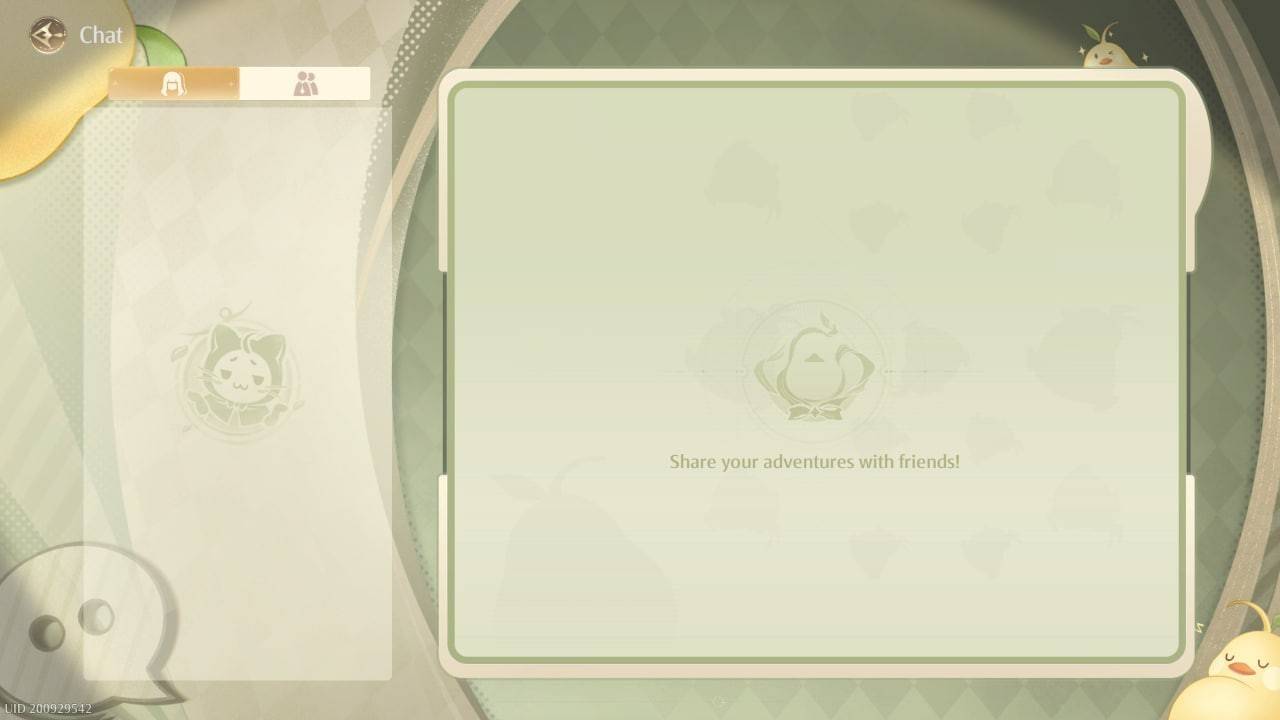 Image: ensigame.com
Once the chat window is open, you can start communicating with your friends.
It's important to note that Infinity Nikki does not include a multiplayer mode. You cannot explore the world together, complete quests jointly, or gather items for your next ensemble as a team. The developers have not added this functionality, and it remains uncertain if an online co-op mode will be introduced in the future. We will continue to monitor any updates on this front.
Now you know how to add friends in Infinity Nikki. It's a quick process requiring just a few clicks, but remember—you still won't be able to play the game online with them.