
Application Description
QDLink: Mirror Your Phone to Car Display

Smart Connectivity Features
QDLink revolutionizes your driving experience by bridging your smartphone with your vehicle's infotainment system:
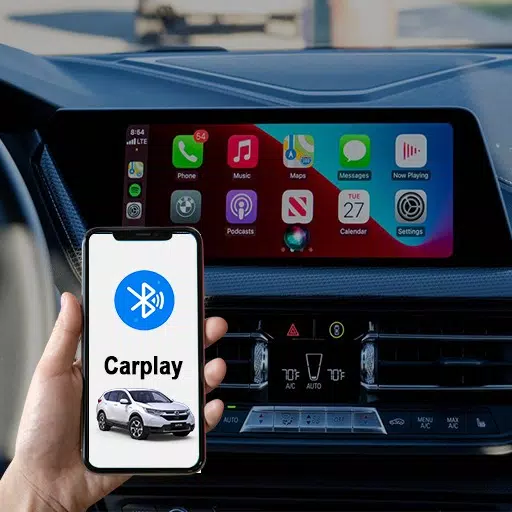
- Full Screen Mirroring: View your entire phone interface directly on your car's touchscreen display
- Bi-Directional Control: Operate apps either through your phone or the car's display
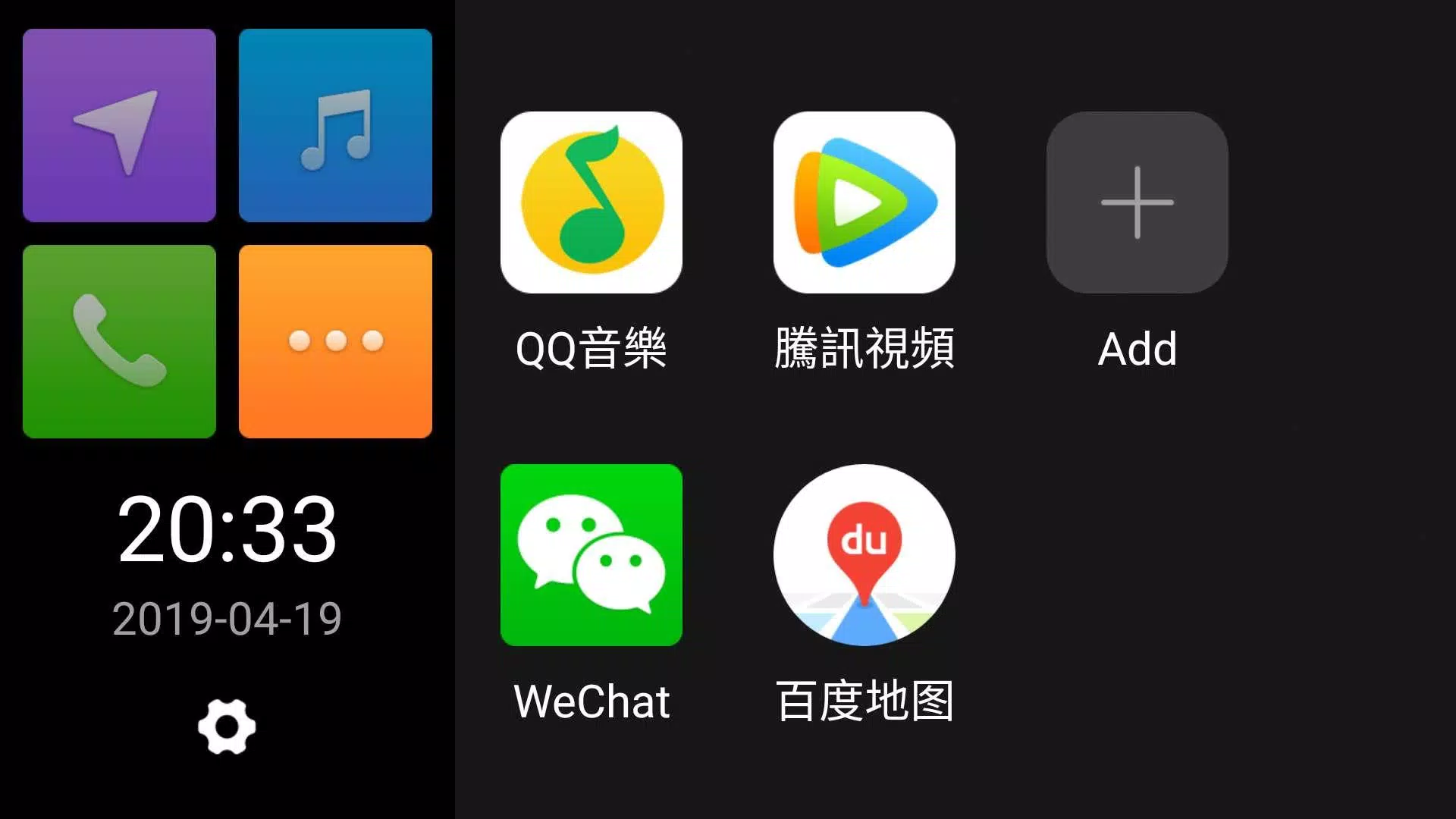
- Multi-App Access: Seamlessly use navigation, music, messaging and more during drives
Enhanced Driving Convenience
The intuitive interface provides:
- Simplified Navigation: Access maps without needing to hold your phone
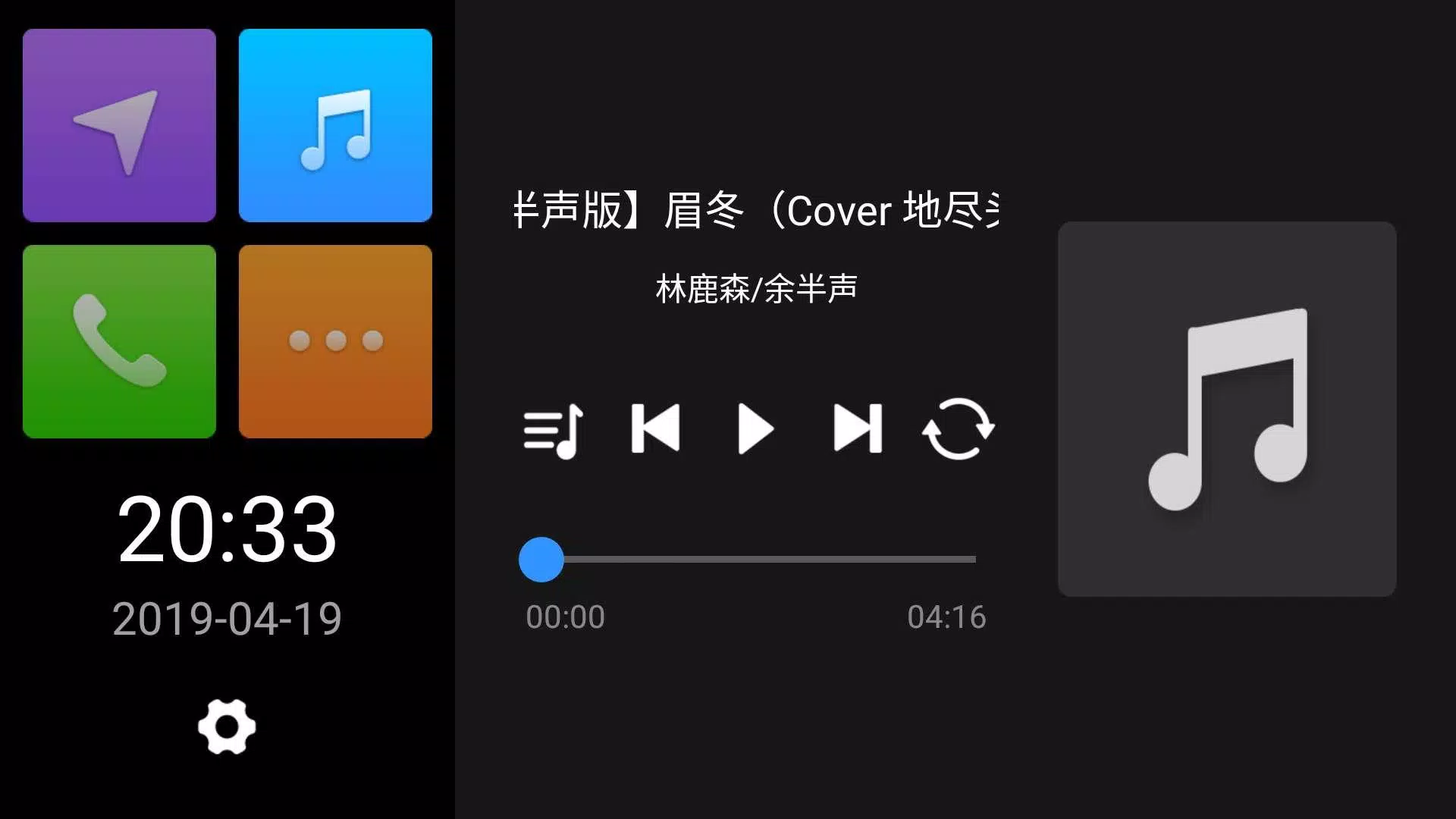
- Entertainment Control: Manage playlists and podcasts safely
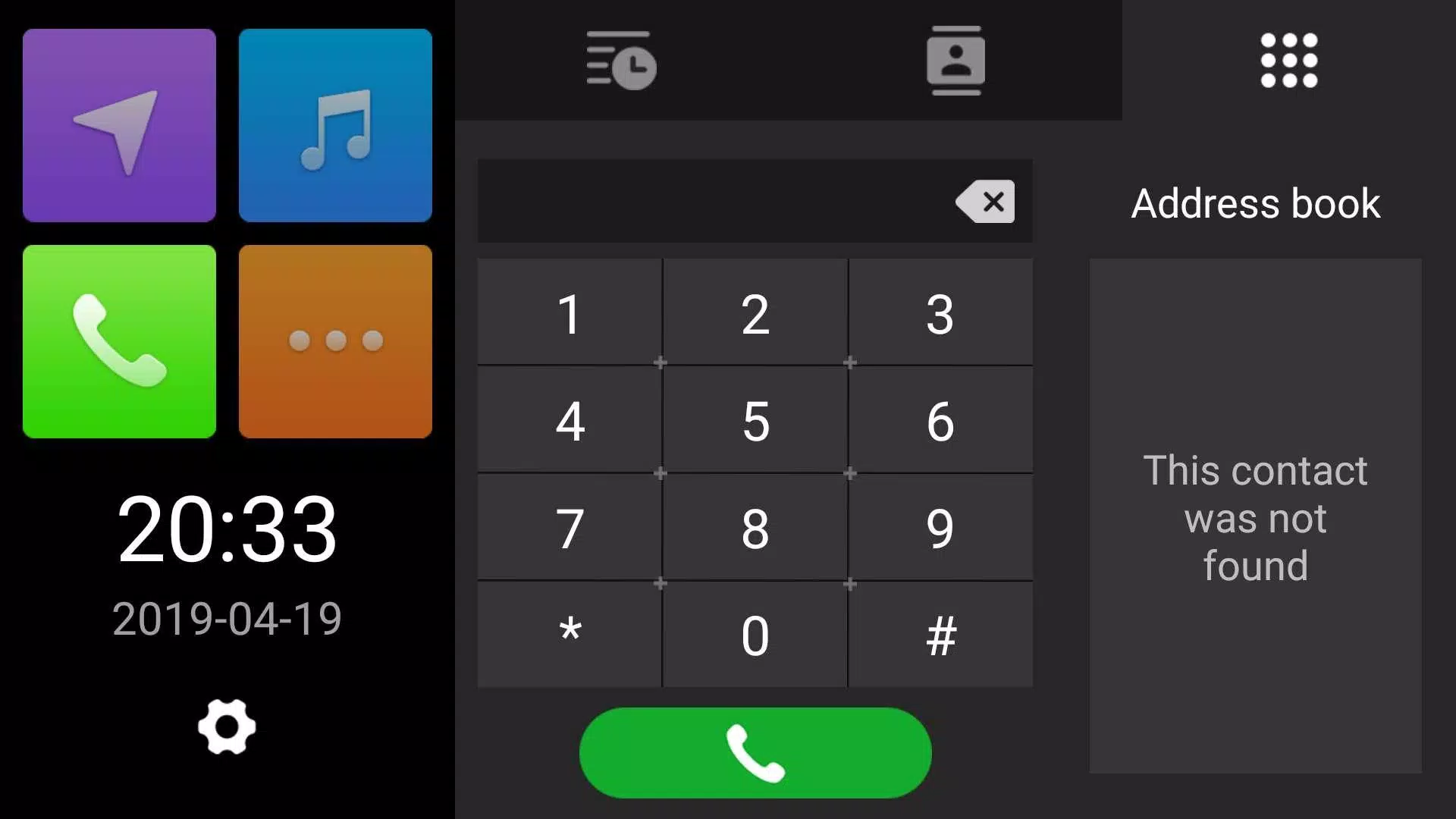
- Hands-Free Communication: Make calls and send messages via car controls

Safety Optimized
Designed with drivers in mind:
- Minimal Distraction: Voice commands and large interface elements
- Driver-Friendly Layout: Essential apps prioritized for quick access
- One-Touch Actions: Frequent functions available immediately
Supported Functions
| Category | Available Features |
|---|---|
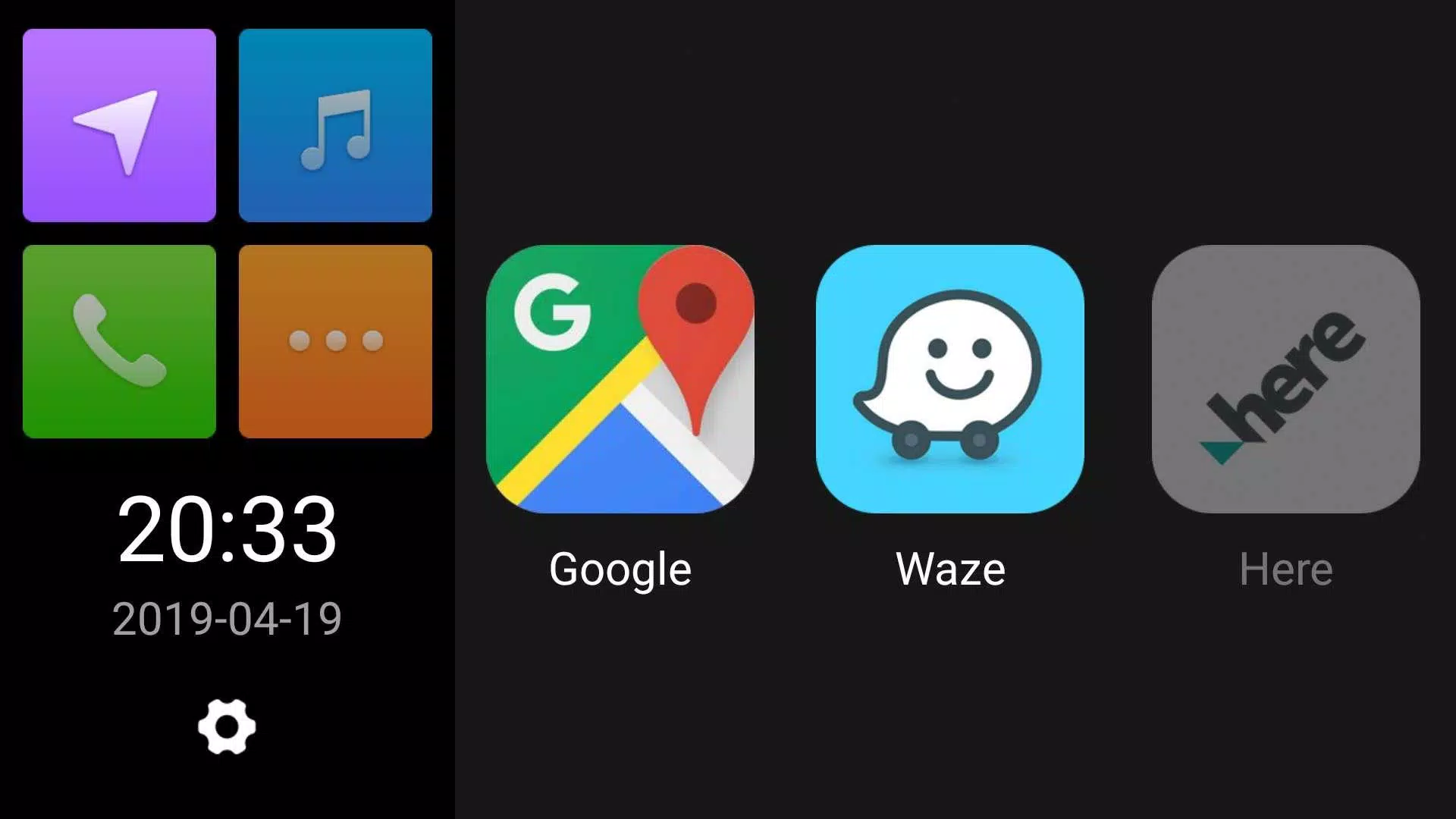
| Navigation | Google Maps, Waze, Apple Maps |
| Media | Spotify, YouTube Music, Podcasts |
| Communication | Calls, Messages, WhatsApp |
System Compatibility
Works with most modern vehicles featuring:
- Bluetooth connectivity
- Standard infotainment systems
- Android Auto/Apple CarPlay ready units
Installation Guide
- Download QDLink from your app store
- Pair via Bluetooth/USB
- Grant necessary permissions
- Enjoy connected driving
Benefits Overview

QDLink transforms how you use your phone while driving by providing:
- Safety-enhanced smartphone access
- Convenient large-screen controls
- Simplified multitasking
- Reduced distractions
QDLink Screenshots