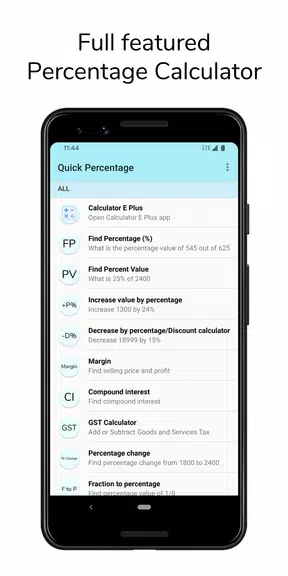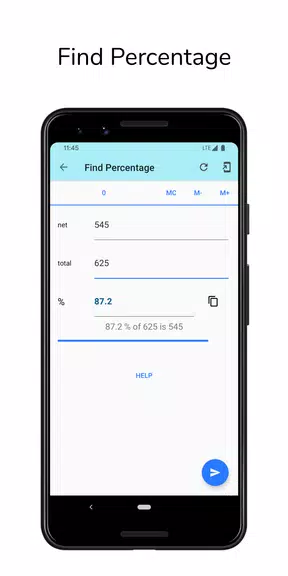

Quick Percentage Calculator is a versatile and easy-to-use application that packs multiple essential calculators into one convenient tool. Featuring a Compound Interest Calculator, Margin Calculator, and GST Calculator, it allows you to quickly and accurately solve complex financial problems. It also includes a Basic Calculator with history tracking and memory functions, ideal for daily calculations. Whether you need to determine percentages, compute percentage values, or adjust numbers by a specific percentage, this app handles it all.
Key Features of Quick Percentage Calculator:
⭐ Compound Interest Calculator: Compute compound interest over custom periods in years, months, or days.
⭐ Margin Calculator: Use this tool to figure out the selling price and your resulting profit margin.
⭐ GST Calculator: Effortlessly add or remove GST from product prices.
⭐ Basic Calculator with History and Memory: Enter equations directly and review past calculations in the history log.
⭐ Find Percentage (%): Quickly calculate basic percentages with ease.
⭐ Increase or Decrease by Percentage: Adjust values up or down by any percentage—ideal for tax computations and adjustments.
Final Thoughts:
Quick Percentage Calculator offers a diverse suite of features to simplify complex calculations like compound interest, profit margins, GST, and percentage changes. With a dark mode option, widget shortcuts, and instant sharing of results, this app is a reliable assistant for all your math needs. Download today to enhance calculation efficiency and save valuable time!