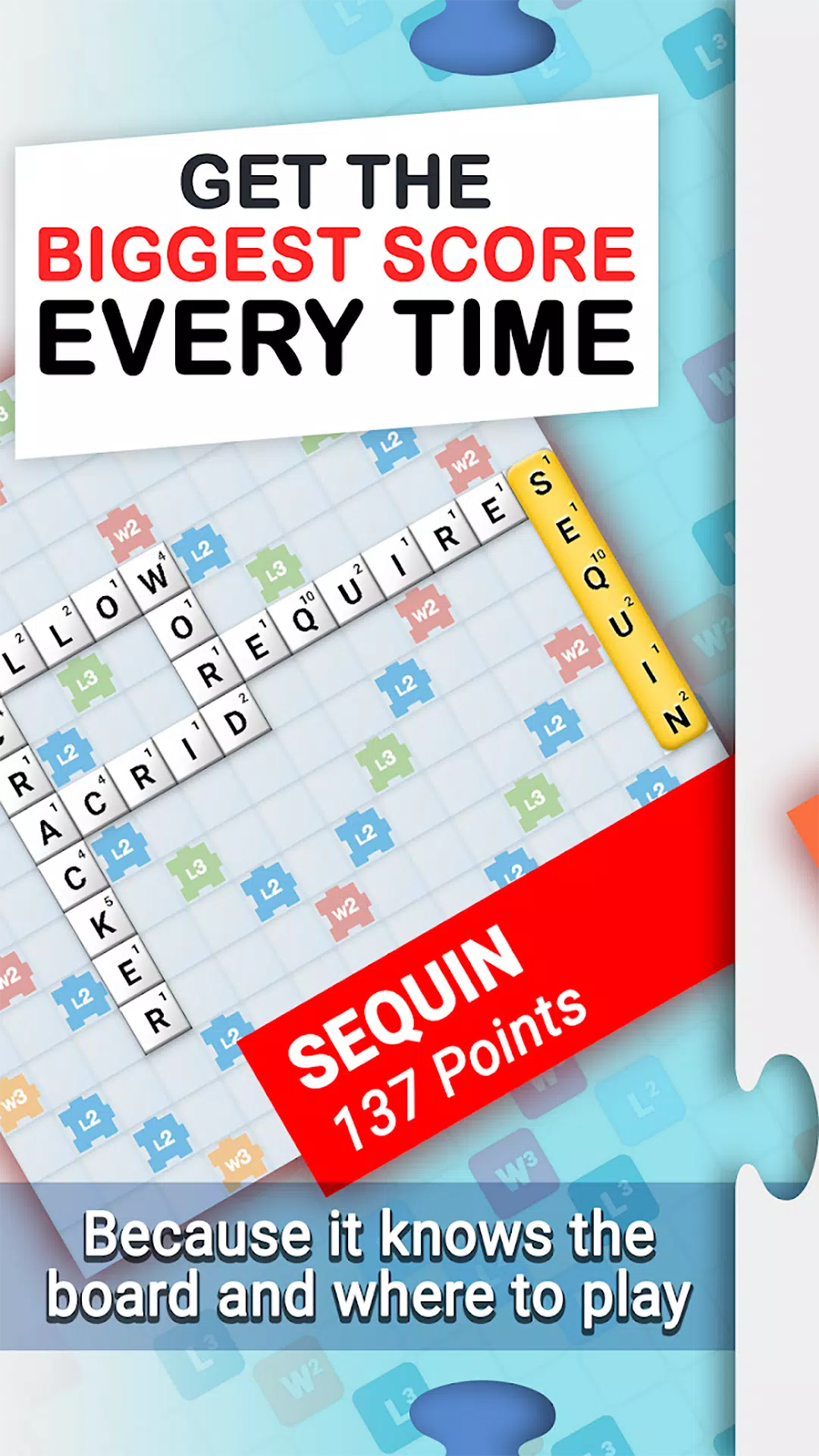
A sophisticated board game and multiplayer crossword companion for learning and strategic optimization.
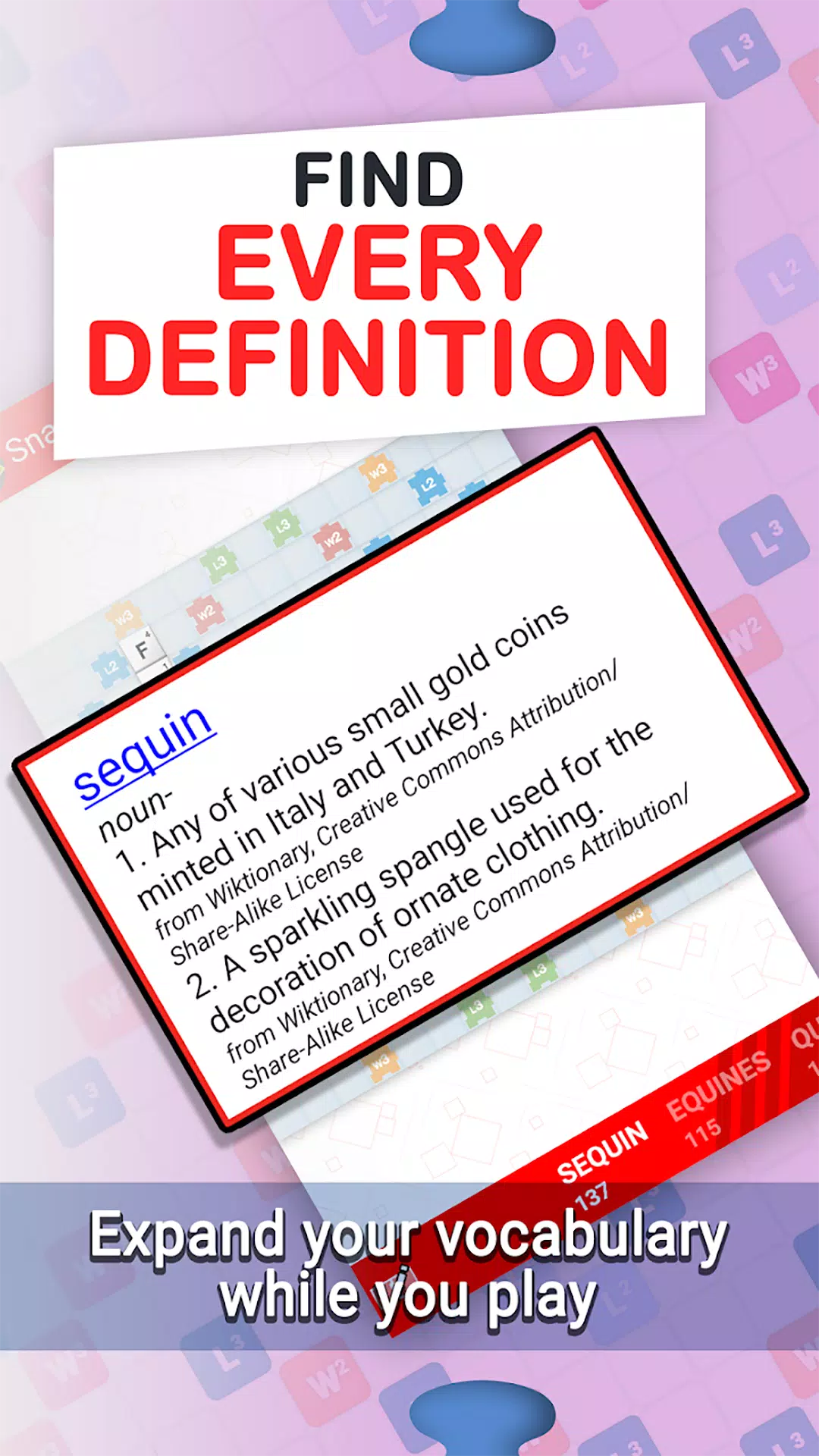
Snap Assist is the ultimate tool to elevate your skills in popular multiplayer crossword games! Master advanced strategy with the powerful board solver and learn how to form multiple crosswords in a single turn. Grow your vocabulary using the integrated dictionary and amaze your opponents. Snap Assist packs every feature you need into an intuitive, easy-to-use app!
TOP FEATURES:
- Lightning fast performance!
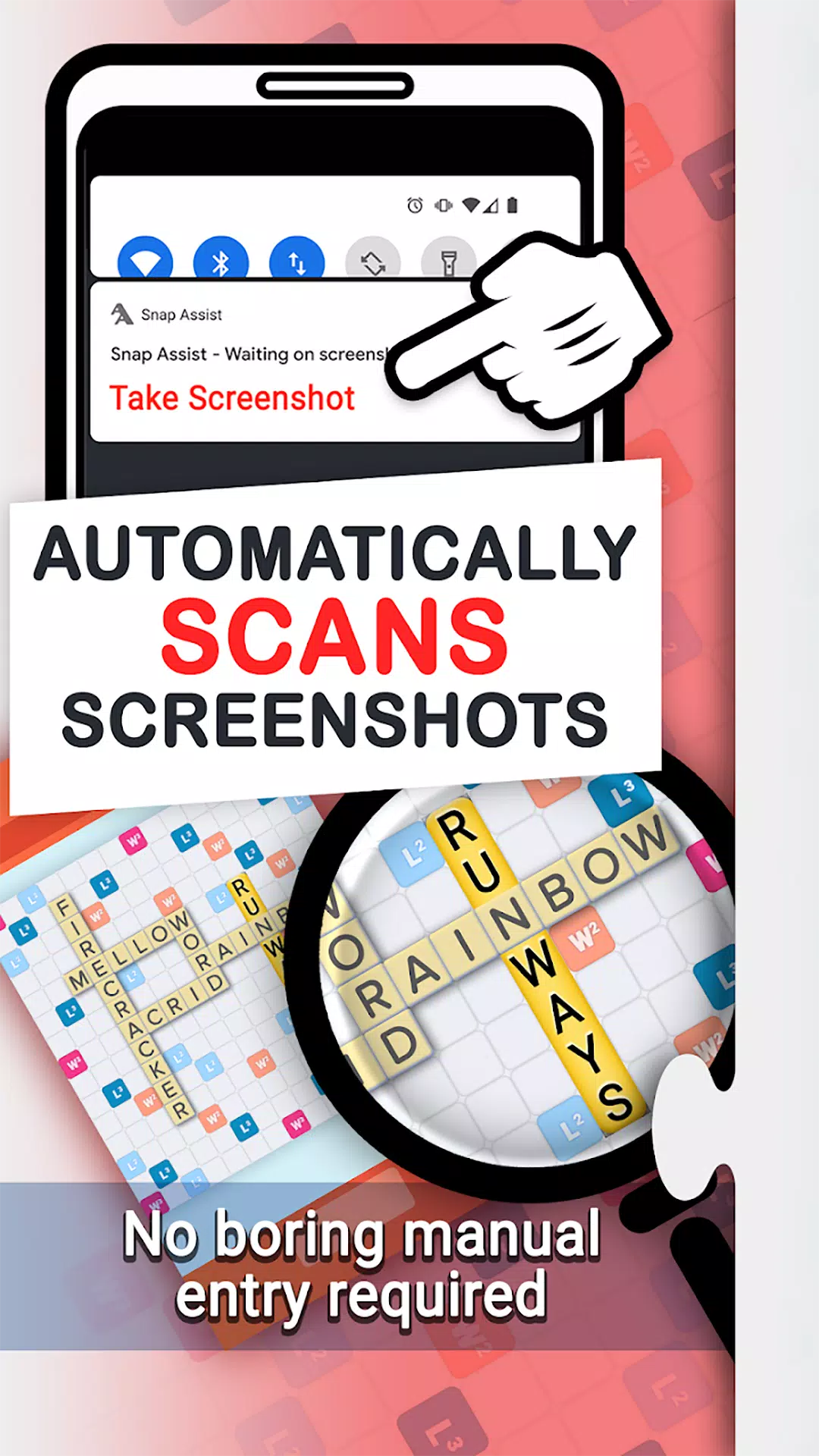
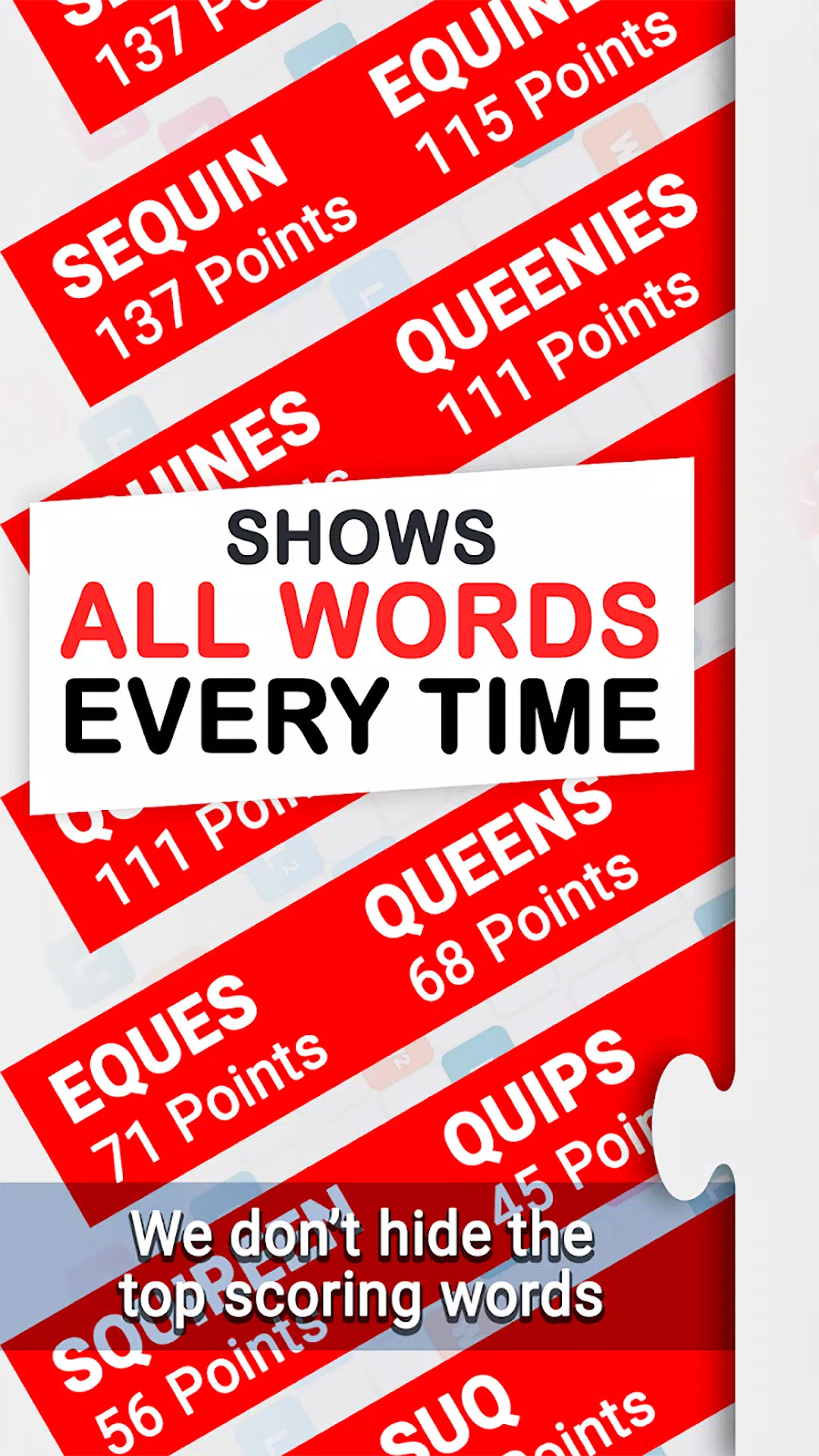
- Screenshot import reads your game board directly! Quickly identify missed words with this powerful tool.
- Local word list! Use Snap Assist anytime, no internet connection required.
- Choose between American and British English word lists.
Visit our website, Words With Friends Cheat .IO, for the latest WWF news, tips, and strategies.
★ Issues with Screenshot Import?
1) Fully zoom out before capturing a screenshot. This ensures the entire board is visible, allowing Snap Assist to scan every tile accurately.
2) Ensure all your playable tiles are on the rack, not on the board. This guarantees the validity of your results.
3) Clear any overlays from the game screen. Facebook Chat Heads, app trays, and notifications can interfere with Word Breaker.
Privacy Notice: This app collects your device’s IP address, advertising ID, and other partner-specific identifiers to enable personalized ads and analytics, helping us improve the app. Opt-out or learn more in our Privacy Center, available in the app's settings.
What's New in Version 4.7.6
Last updated on Sep 23, 2024
Enhanced Super Score screenshot recognition.