
Maximize every trip
The ZeDriver app is Zed’s dedicated driver companion, designed to streamline your rideshare experience. Manage ride requests, track key metrics, monitor earnings, and boost productivity—all through an intuitive interface. With ZeDriver, navigating your daily operations becomes effortless, ensuring a smoother and more rewarding time on the road.
Key Features:
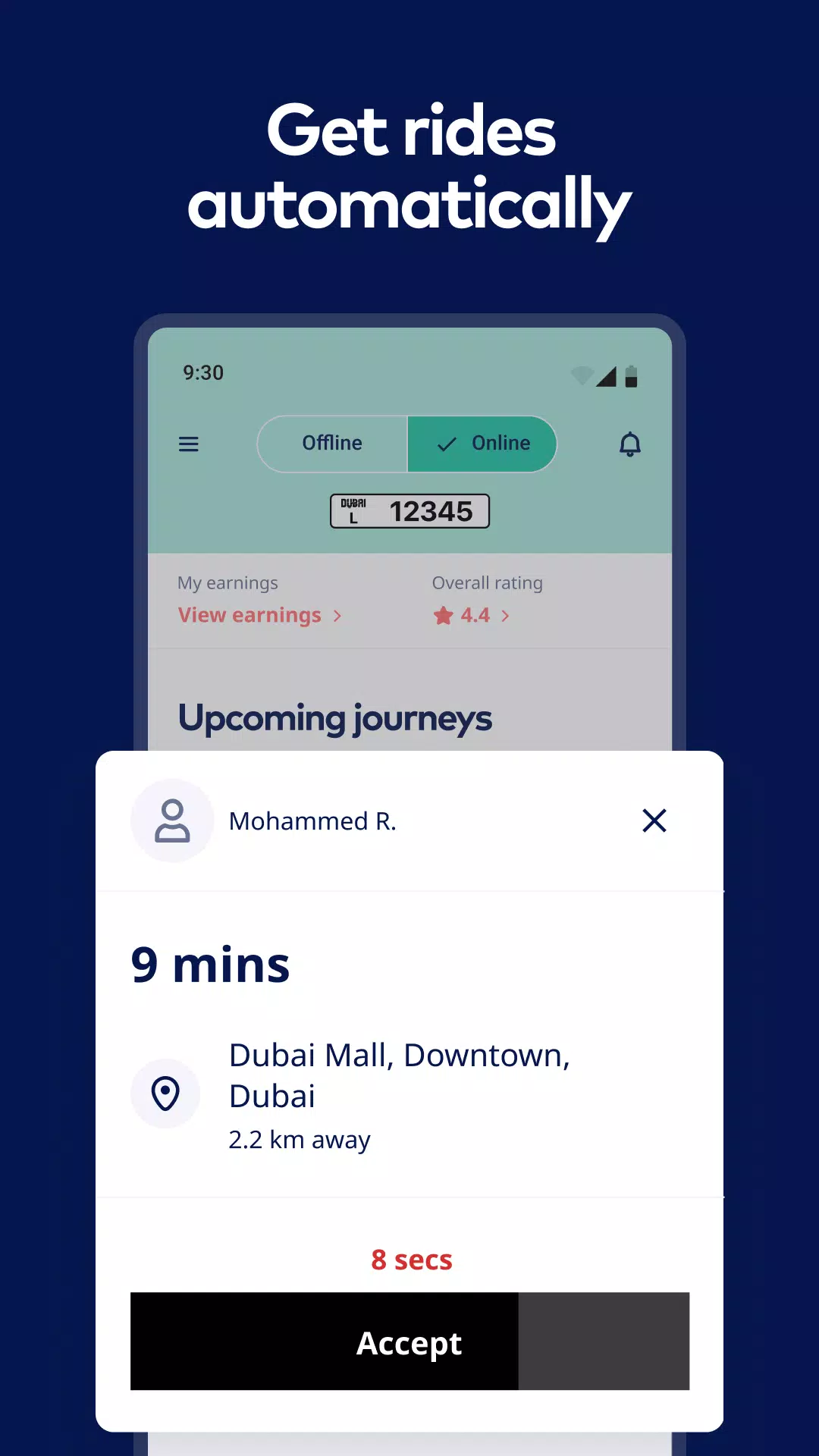
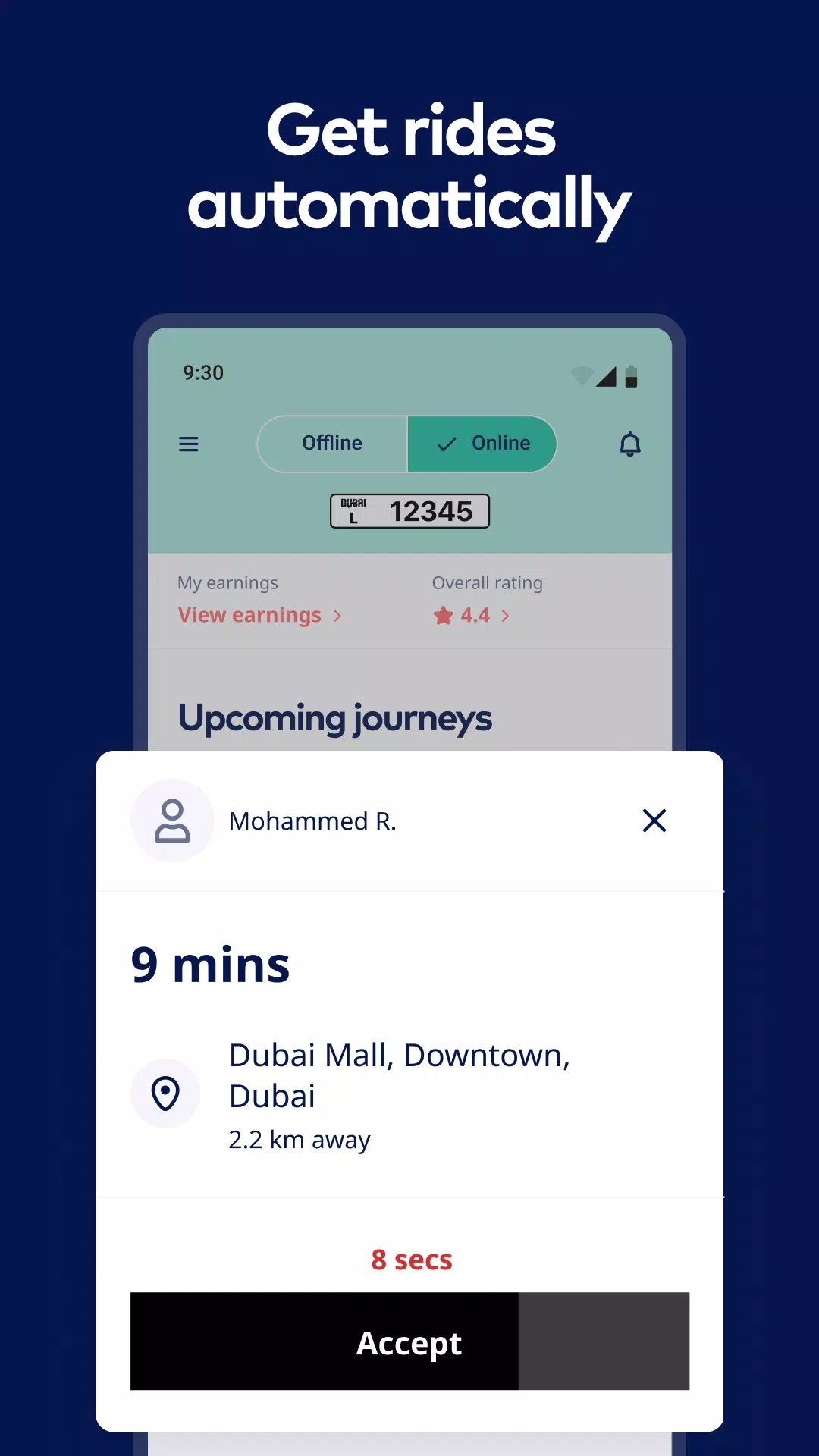
Seamless Ride Management: Accept and complete bookings seamlessly with instant notifications and scheduling tools. Stay on top of your itinerary with real-time updates.
Performance Analytics: Monitor your ratings, trip completion rate, and other vital stats. Use detailed insights to refine your driving and deliver exceptional service.
Earnings Tracker: Keep tabs on your income with daily, weekly, and monthly reports. Analyze trends and track tips to maximize your revenue.
Customizable Ride Settings: Adjust vehicle preferences for upcoming trips to align with passenger needs, ensuring personalized journeys.
Booking Previews: Review ride details like estimated arrival time and route previews before accepting trips.
Trip History: Easily access past and upcoming ride records, including pickup times, destinations, and other essential details.
Smart Notifications: Stay alerted with prominent buzzers for new ride requests, so you never miss a booking opportunity.
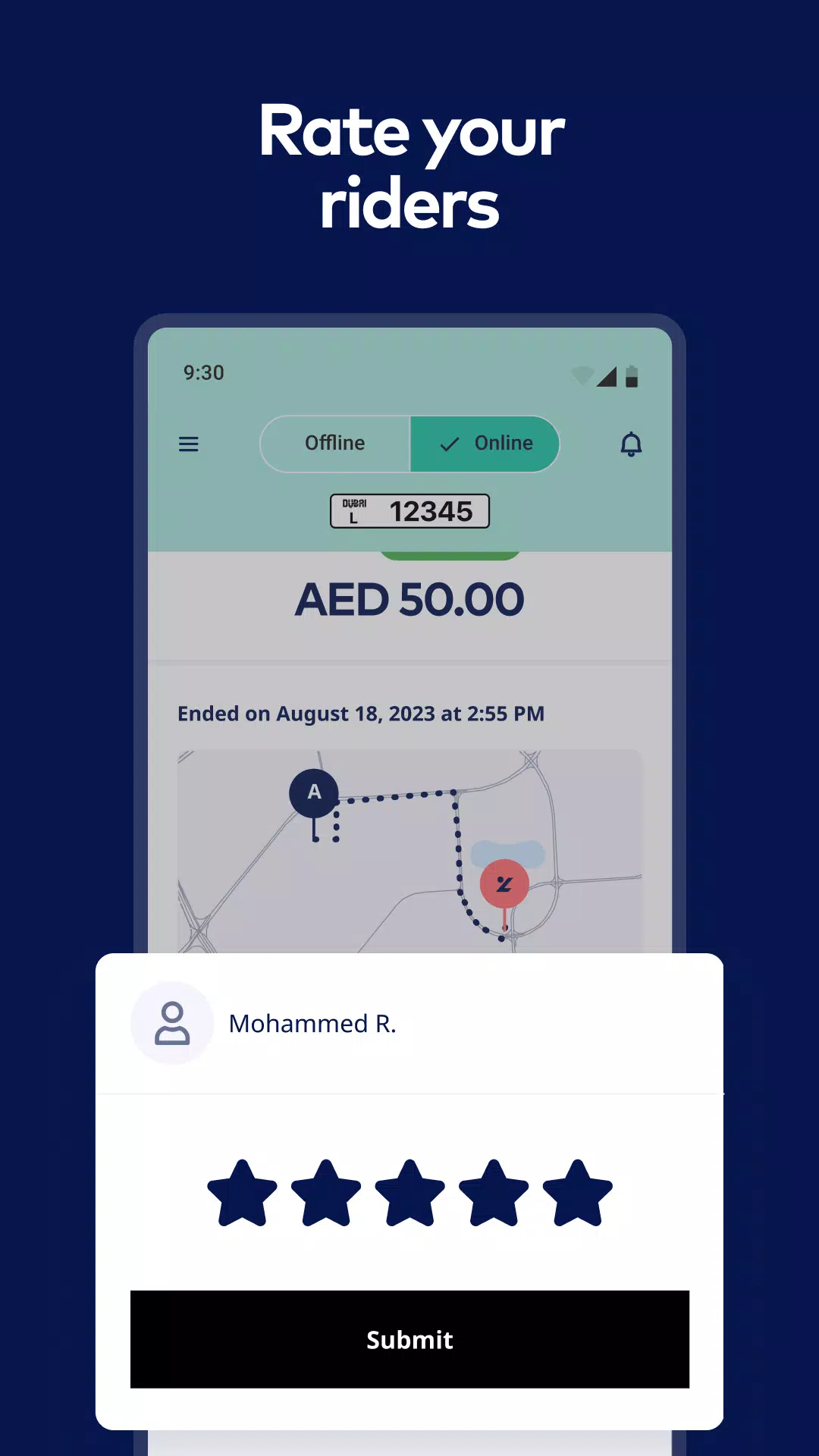
Post-Trip Insights: Receive a full summary after each ride—covering distance, duration, fare, and passenger feedback—to assess performance.
ZeDriver equips Dubai’s drivers with everything needed to excel. Download now and take your rideshare career to the next level!
What's New in Version 1.3.5
Last updated on Nov 12, 2024
Minor enhancements and bug fixes. Update today to experience the latest improvements!