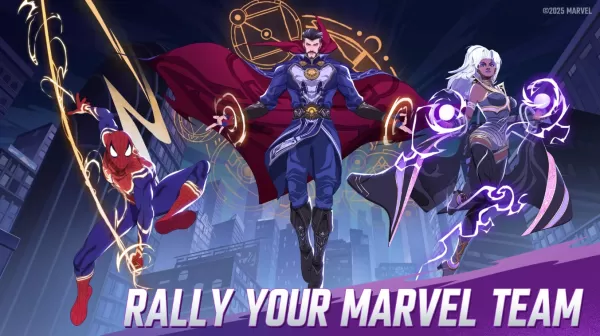
In MARVEL Mystic Mayhem, assembling a strong team of superheroes and villains is essential for success across all game modes, whether you're tackling story campaigns and PvE missions or competing in PvP battles and alliance wars. As the game uses a gacha-style summoning system, luck significantly influences the strength of your starting roster. This is where rerolling becomes important. Our guide provides a complete overview of the rerolling process in Mystic Mayhem, along with innovative approaches to help you acquire some of the most powerful characters available.
Speed Up Rerolling with BlueStacks
BlueStacks not only lets you play MARVEL Mystic Mayhem on a larger PC screen but also offers helpful tools like the Multi-Instance Manager to accelerate the rerolling process. This functionality utilizes multiple instances, each acting as an individual Android device. You can clone your main instance to avoid reinstalling the game on every new instance you create.
Once you've set up as many instances as your system can handle, use the Sync feature and designate your first instance as the "master." This allows you to control the actions of all other instances by executing commands from the master instance. Simply perform the rerolling steps on the master, and all other instances will replicate them automatically.
With BlueStacks, players can experience MARVEL Mystic Mayhem on a bigger PC or laptop display, enhanced by the precision of keyboard and mouse controls.