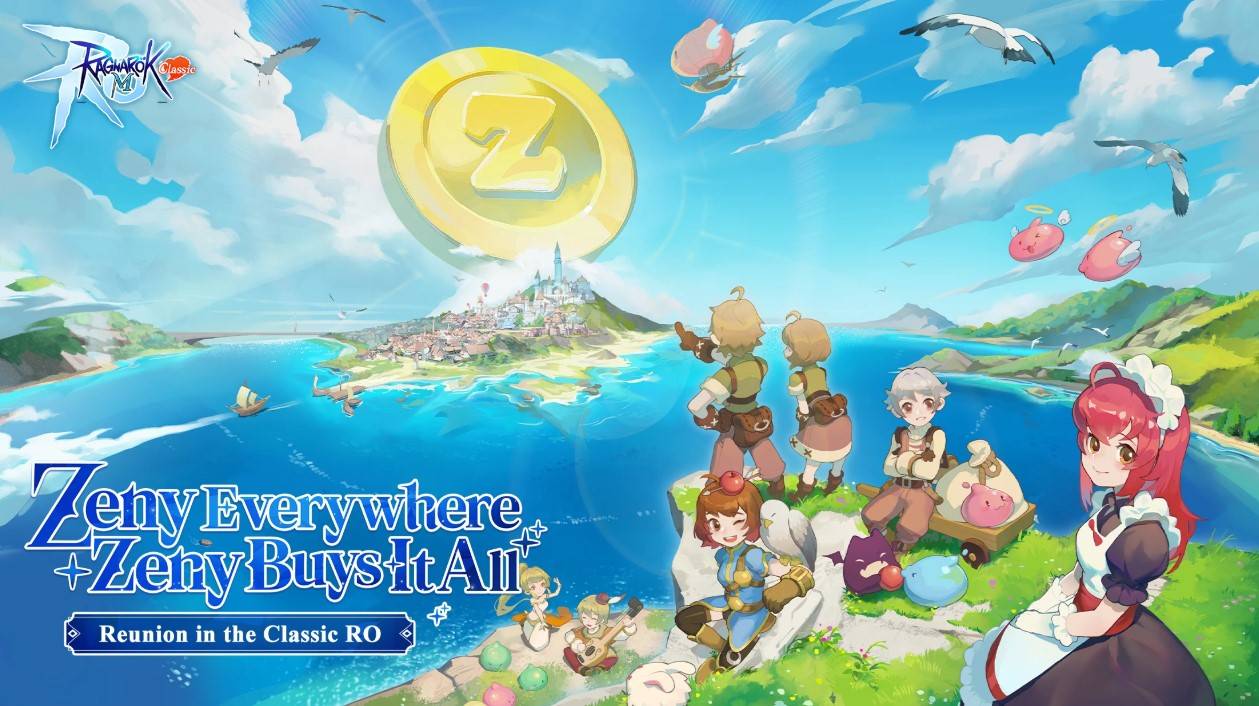
Ragnarok M: Classic, the latest addition to the beloved Ragnarok franchise developed by Gravity Game Interactive, brings a refreshing twist to the series. This classic version is designed to immerse players directly into the action, eliminating the annoyance of shop pop-ups and microtransactions. Instead, the game introduces a universal in-game currency called Zeny, which players can earn through participating in events and completing quests. Additionally, all items and equipment are obtainable through in-game grinding, distinguishing Ragnarok M: Classic from its predecessors. However, one familiar element remains unchanged: the Class system. This comprehensive guide is tailored for new players, offering a detailed overview of all classes and their advancement paths. Let's dive in!
Here are some key skills associated with the Merchant class in Ragnarok M: Classic:
- Mammonite (Active) – Unleash a barrage of gold coins on your enemy, inflicting direct attack damage.
- Cart Attack (Active) – Utilize your cart to launch a powerful attack, dealing 300% lane damage. Note that carts are essential for this skill.
- Loud Exclamation (Active) – Boost your strength with a loud exclamation. This temporary boost lasts for 120 seconds, increasing your strength by 1 point.
- Fund Raising (Passive) – As a merchant, picking up Zeny not only feels satisfying but also grants you a 2% extra bonus.
- Enhanced Cart (Passive) – When engaging in cart-related skills, your attack power receives a +15 boost.
- Buying Low (Passive) – Enjoy the perk of purchasing items at a 1% discount from select NPC merchants.
Merchants in Ragnarok M: Classic have two primary advancement paths to explore:
- Merchant → Blacksmith → Whitesmith → Mechanic
- Merchant → Alchemist → Creator → Genetic
To enhance your gaming experience, consider playing Ragnarok M: Classic on a larger screen using BlueStacks on your PC or laptop. This setup allows for smoother gameplay and the added precision of using a keyboard and mouse.