Conquer Squad Busters: A Guide to Creator Codes and Winning Strategies
Supercell's Squad Busters has quickly become a mobile gaming phenomenon, blending characters from four popular Supercell titles into a thrilling competitive experience. New players eager to climb the ranks often seek efficient strategies for mastering gameplay. One excellent approach is learning from experienced content creators who provide valuable tutorials and tips. Showing your appreciation for their contributions is easy with Squad Busters Creator Codes. While not all creators participate in the Content Creator Boost program, many do, and using their codes is a fantastic way to support their work.
This guide, updated January 10, 2025, by Artur Novichenko, provides the latest Squad Busters creator codes. Share this guide with your friends to help them support their favorite creators too!
Current Squad Busters Creator Codes:
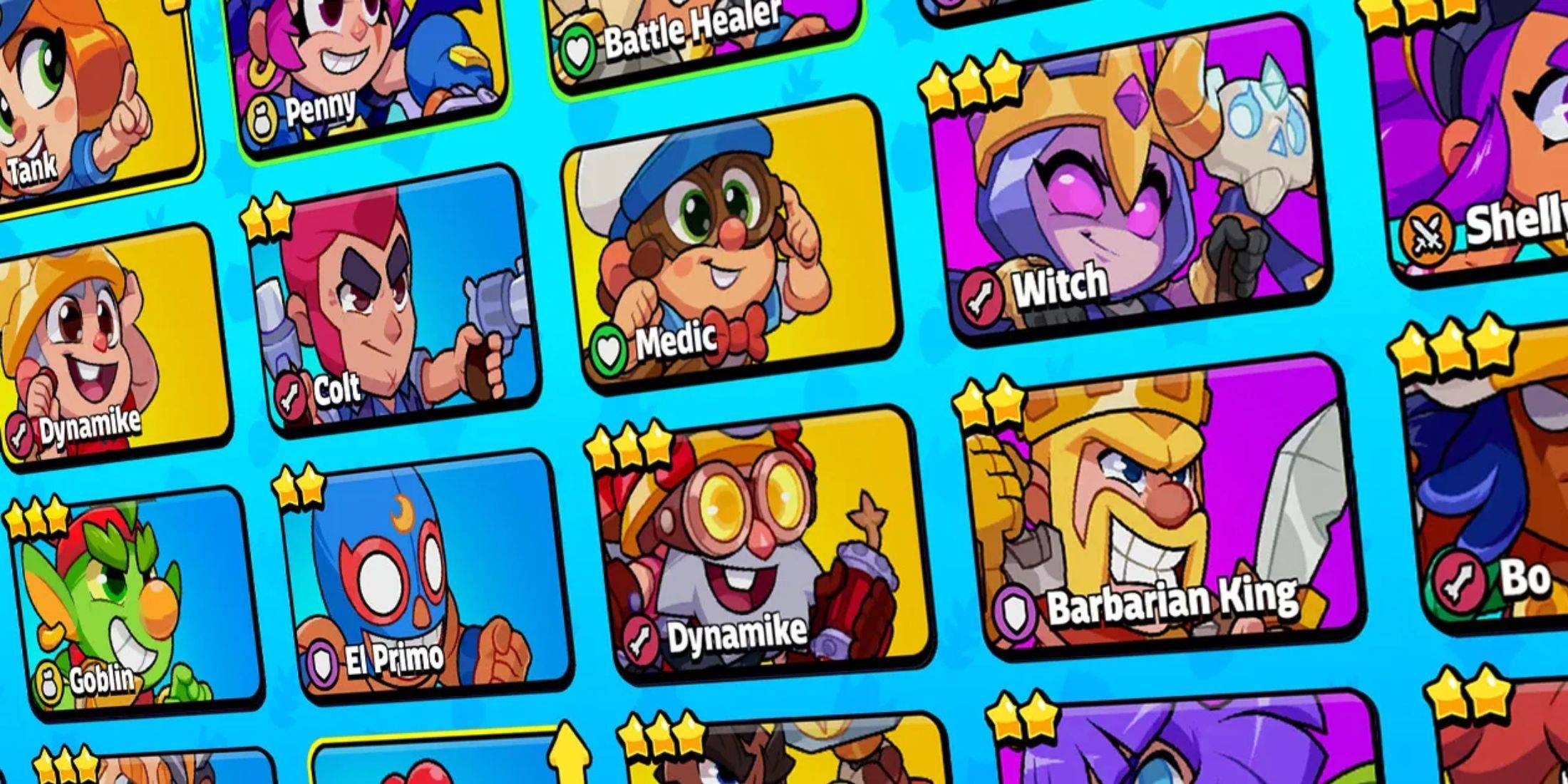
- Rick - Support Rick
- PAN - Support PAN
- MOLT - Support MOLT
- clashjo - Support Kenny Jo
- Havoc - Support HaVoc Gaming
- OJ - Support Orange Juice Gaming
- BT1 - Support BenTimm1
- SKAREX - Support Skarex
- Spen - Support SpenLC
- AshBS - Support Ash Mobile Gaming
- artube - Support Artube
- aurum - Support AuRuM TV
- heybrother - Support this Creator
- klaus - Support Klaus
- Bash - Support Clash Bashing
- spanser - Support Spanser
- WithZack - Support WithZack
Creator codes are unique identifiers assigned to participants in the Content Creator Boost program. Redeeming a code and making in-game purchases directs a percentage of your spending to the associated creator. While the list is currently limited due to the game's newness, it's expected to grow significantly over time.
How to Redeem Creator Codes in Squad Busters:
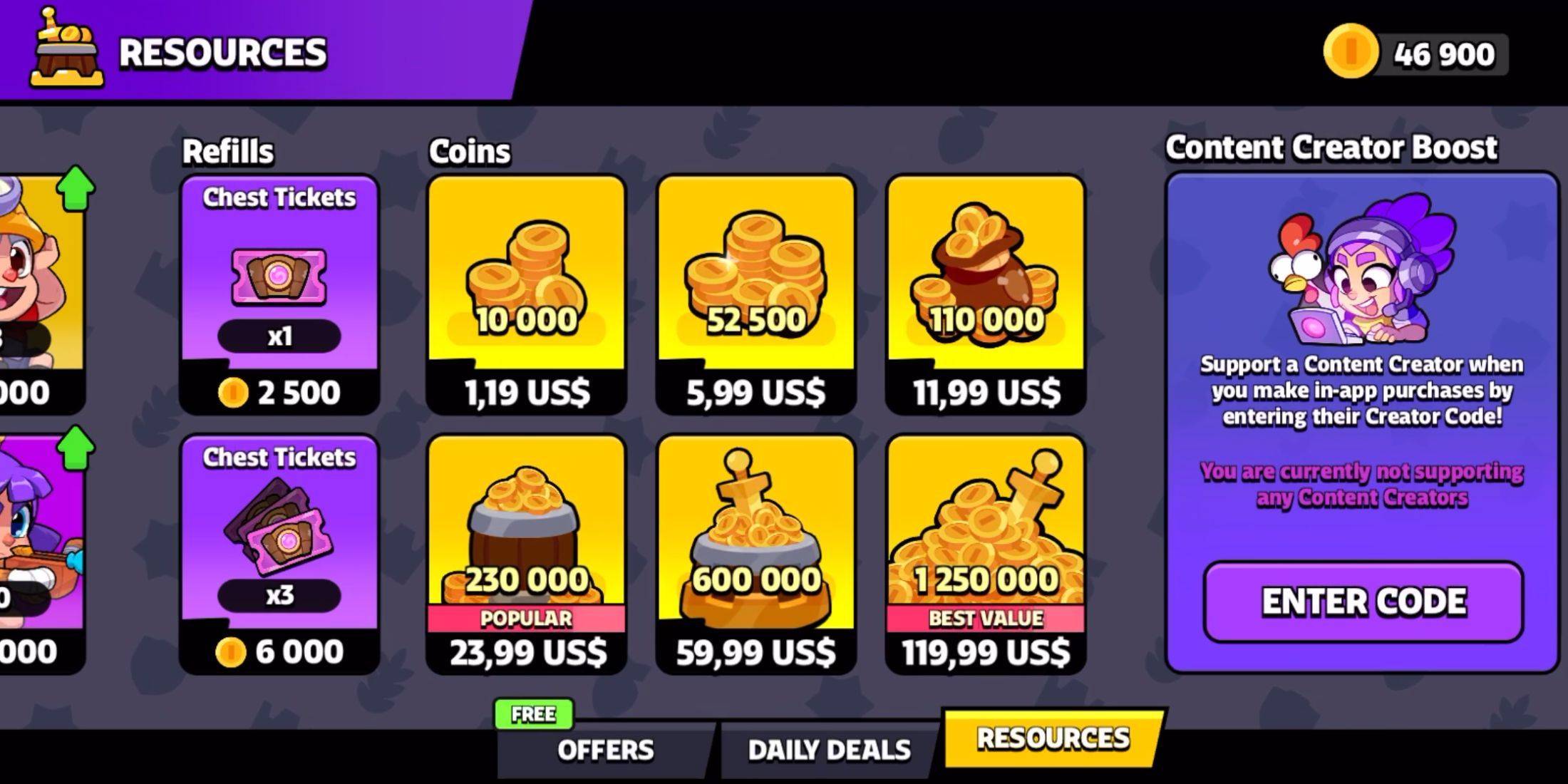
Redeeming codes is straightforward and similar to other Supercell games. Follow these simple steps:
- Navigate to the game's main menu.
- Locate the column of buttons on the left side of the screen. Select the bottom button labeled "Shop."
- Scroll to the bottom of the Shop until you find the "Content Creator Boost" section. Click the "Enter Code" button.
- In the redemption menu, enter (or paste) the desired creator code into the input field.
- Click the pink "Enter" button to finalize the redemption.
Upon successful redemption, you'll see the supported creator listed in the Content Creator Boost section. You can easily switch support to another creator at any time.
Finding More Squad Busters Creator Codes:
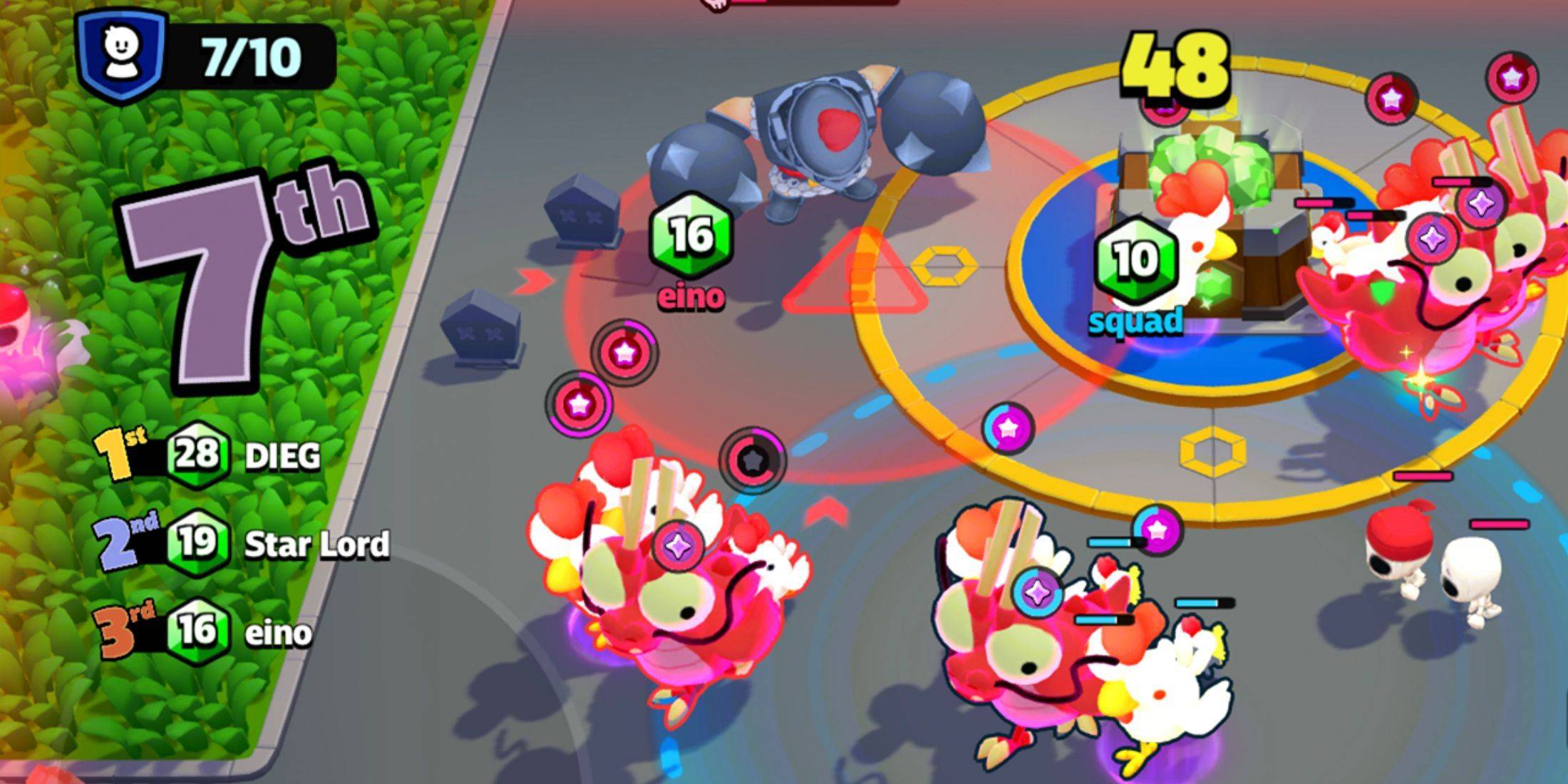
To discover more codes, follow your favorite gaming personalities on platforms like YouTube and Twitch. They frequently share their codes within videos, descriptions, livestreams, and other content.