
Keep your Bring Digital Key software current by using the Bring & T update application.
Use the Bring & T update app to upgrade your Bring Digital Key software to the newest version.
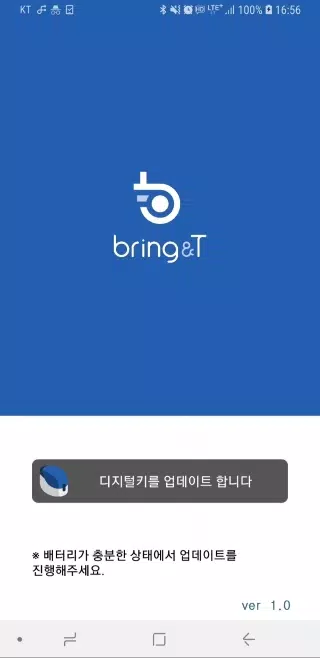
1. Launch the BringAnti update application.
2. Tap “Update digital key” located at the bottom of the screen.
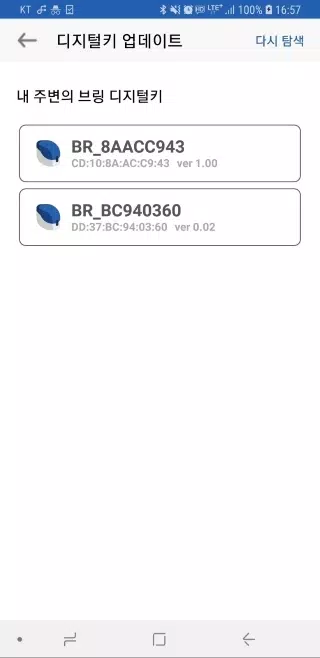
3. Choose the digital key labeled “BR_xxxxxxxx” from the list.
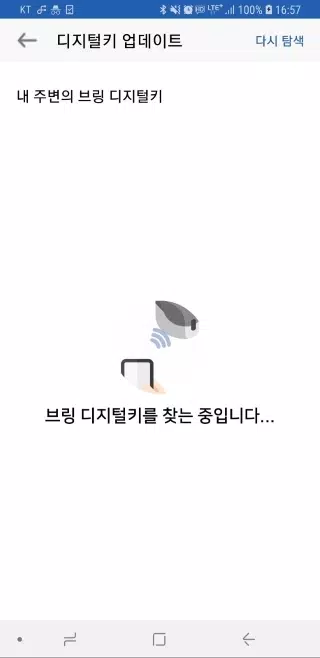
If the digital key is not visible, click the [Search again] button to retry the search.
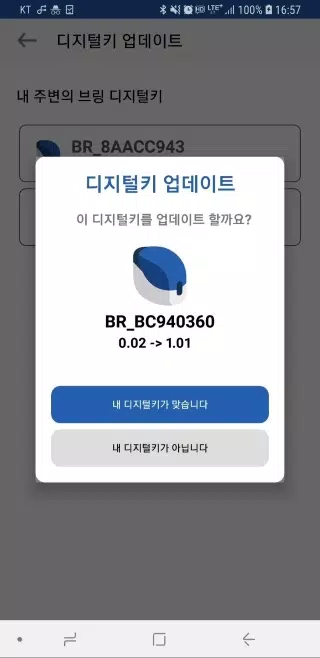
4. Once you select a digital key, the current software version and the new version for the update will be displayed.
5. Press “Your device is correct” and the digital key's LED will blink purple for about 10 seconds.
Briefly press the digital key’s button for half a second during this time.
6. Shortly after, the key's LED will turn purple and then change to blue, confirming the digital key's software has been updated.
7. Once the update is finished, click “Close” to exit the application.
8. The digital key software update is performed wirelessly, so be sure to keep the key near the device throughout the process.
9. The digital key software update takes roughly 2-3 minutes and cannot be interrupted once it starts; please ensure you have sufficient battery before beginning.
10. If the update process stops or an error occurs, simply close the app and restart it to try again.
11. You can perform a digital key software update only after the digital key has been registered.
Software updates are not supported on unregistered digital keys.