Here's a polished and professional version of your promotional text for Docuslice, optimized for clarity, impact, and user engagement—perfect for use on app store descriptions, websites, or marketing materials:
🖼️ Create Giant Posters in Minutes — No Printer Required!
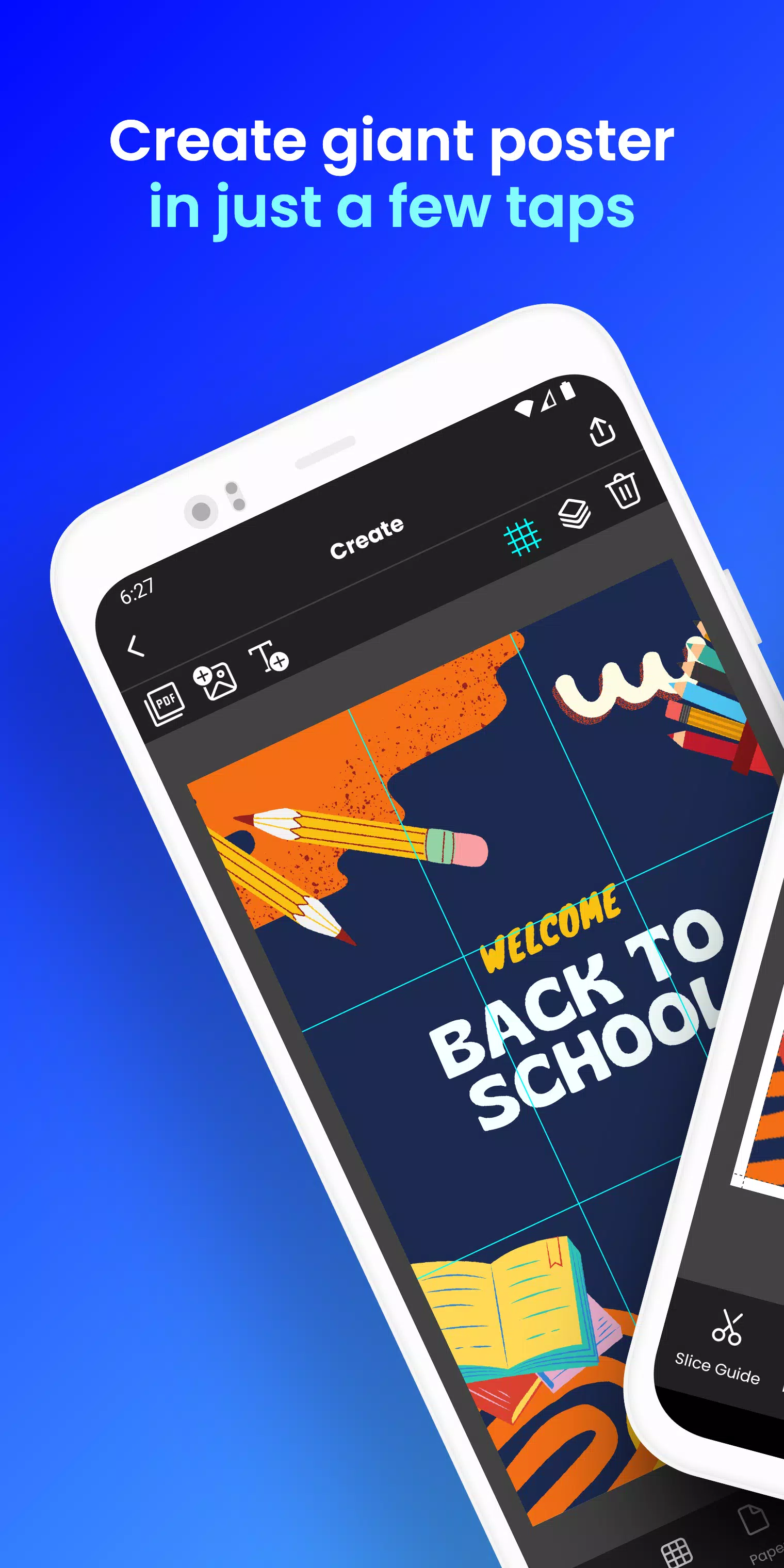
Transform any image or PDF into a stunning, large-scale poster, banner, or wall art — all from your phone or tablet, using just your standard home printer. With Docuslice, big prints have never been easier.
Whether you're designing for events, classrooms, offices, or personal expression, Docuslice turns your creative vision into a reality — one tile at a time.
✨ How It Works (In Just 3 Steps):
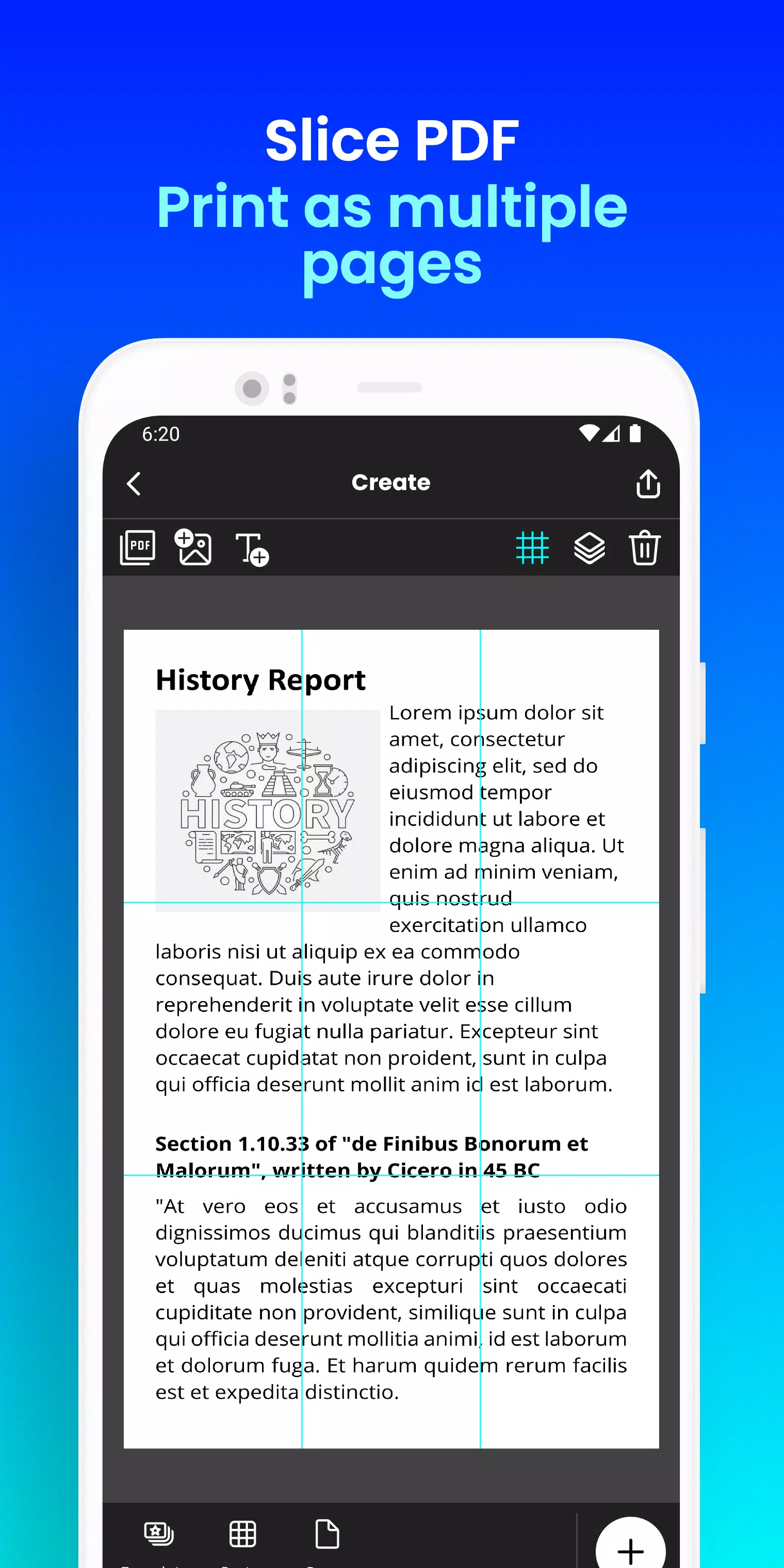
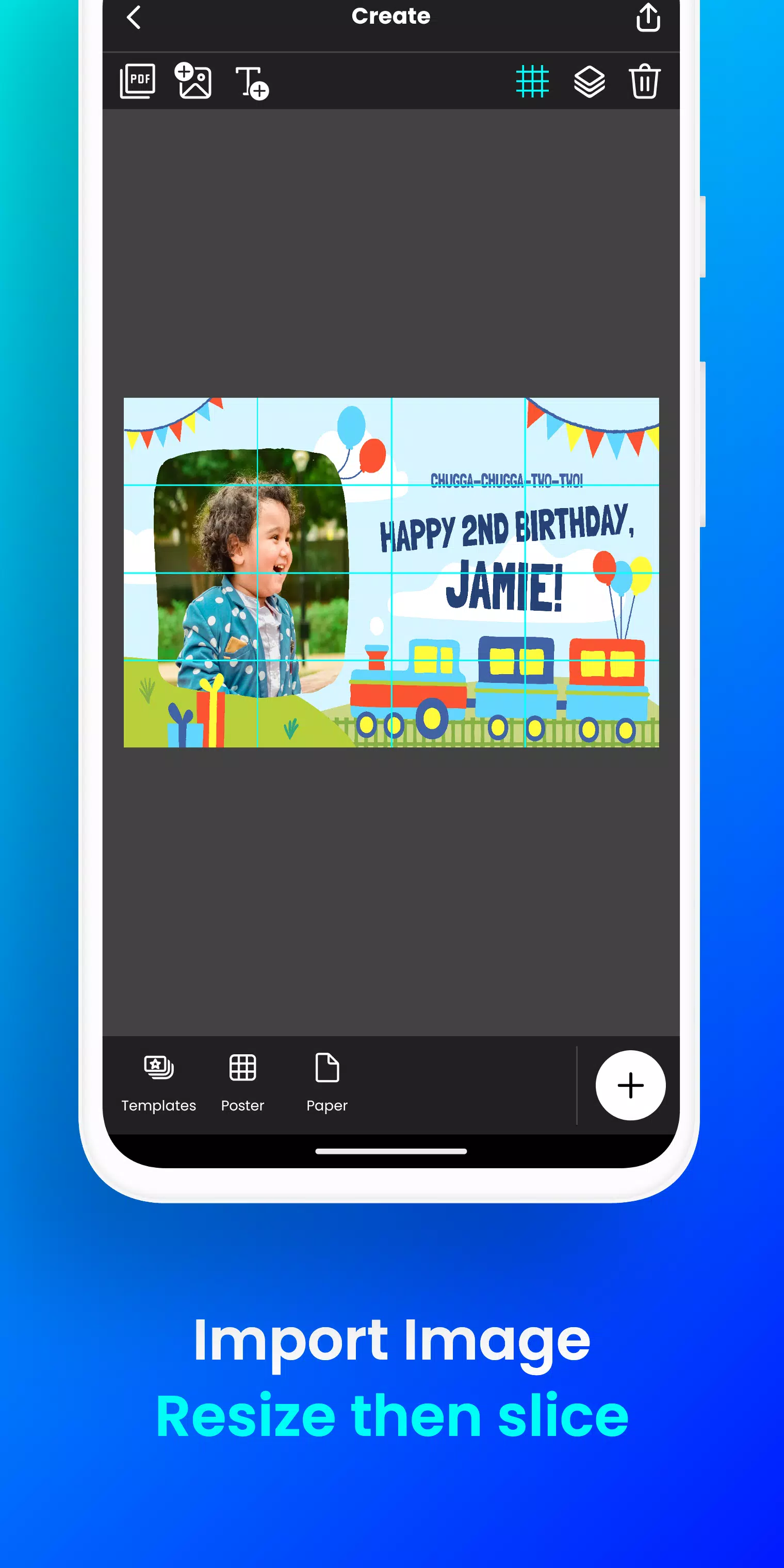
- Upload your image or PDF — supports JPG, PNG, PDF, and more.
- Customize with simple resizing, text overlays, and layout adjustments — all in a few taps.
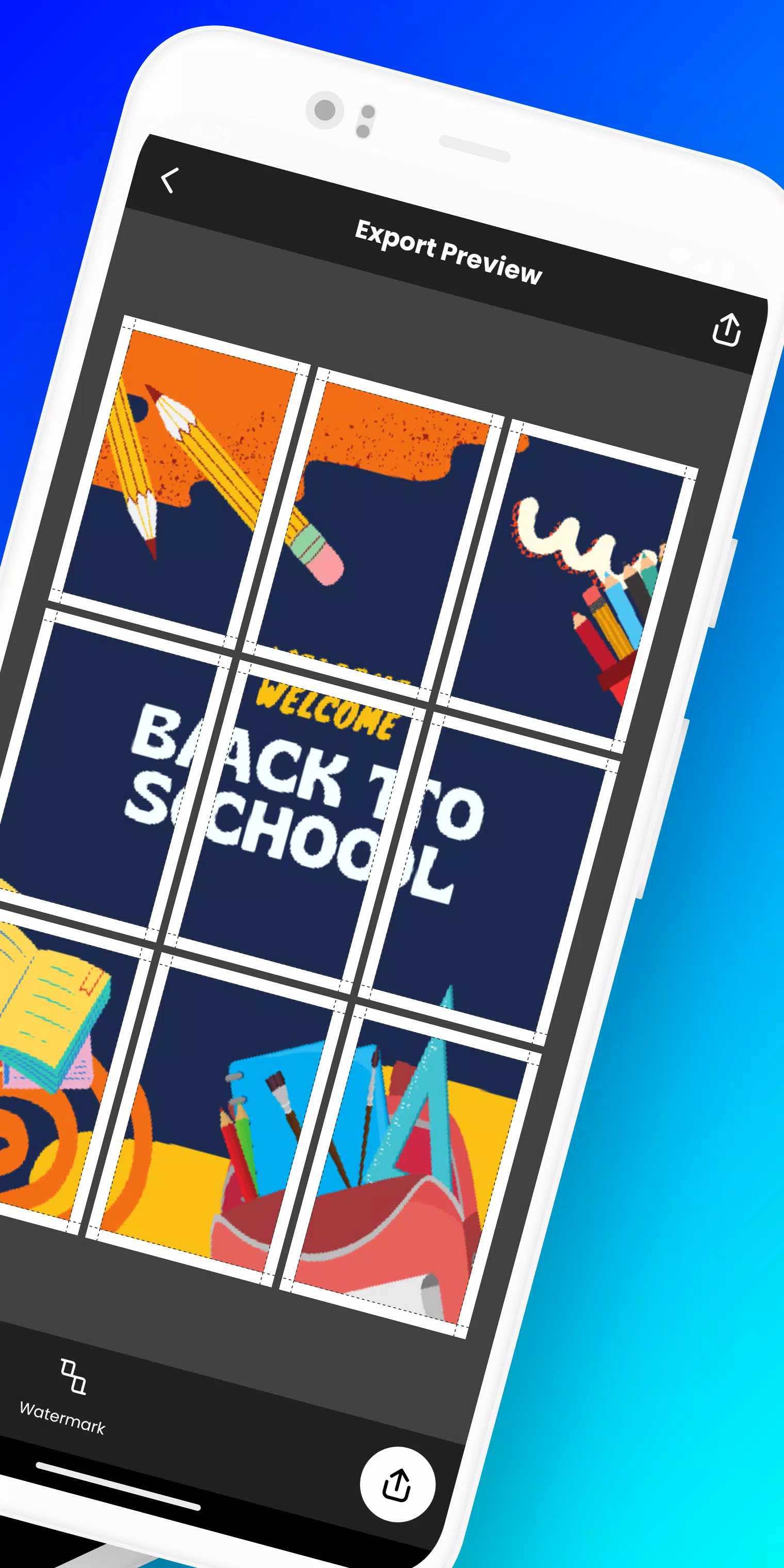
- Print & Assemble — Docuslice automatically splits your design into printable tiles. Just print, cut, and piece together your masterpiece!
🎯 Perfect For:
- 🎉 Event Posters: Birthdays, weddings, concerts, holidays, and more
- 🏫 Educational Displays: Classroom charts, science projects, student presentations
- 🖼️ Wall Art: Unique home or office décor that stands out
- 📣 Activism & Campaigns: Eye-catching banners for causes and movements
- 📢 Large Banners: DIY signage for trade shows, markets, and public events
🌟 Why Users Love Docuslice:
✅ Free to download and use — no hidden fees
✅ Super easy to learn — intuitive design, perfect for beginners
✅ Works on all devices — full support for phones, tablets, and iPads
✅ Prints on any paper size — from A4 to A3+, including new A3+ (Super B) support
✅ Eco-friendly printing — skip expensive large-format printers
✅ Scissor markings included — print clean cutting guides (toggle on/off in preview)
✅ Secure login — now uses OTP (One-Time Password) for safer access
✅ Ongoing improvements — regular updates, bug fixes, and performance boosts
📦 What’s New in Version 2.1 (Released: November 9, 2024)
- 🔐 Enhanced Security: Password login replaced with secure OTP authentication
- 📐 New Paper Size: Added A3+ (Super B) for even larger designs
- ✂️ Optional Scissor Markings: Add visible cutting guides — or hide them for clean prints
- 📱 Full Mobile & Tablet Optimization — smoother experience across all devices
- 🛠️ Stability & Performance Upgrades — faster processing and fewer crashes
- 💬 We’re listening — your feedback helps us grow!
🚀 Ready to Turn Small Prints into Big Impact?
Stop dreaming — start printing.
Download Docuslice today and turn your ideas into giant, eye-catching masterpieces — no experience needed.
👉 Download now and create your first large-scale poster in under 5 minutes!
Let your creativity grow — one tile at a time.
Docuslice — Print Big. Create Free.
Let me know if you'd like a shorter version for social media, an app store description, or a promotional email!