Quick Links
Hyper Light Breaker's intuitive yet nuanced mechanics are part of its enigmatic charm. Players gradually uncover optimal strategies, and mastering the lock-on system is crucial. While locking onto a target offers focused combat, it's not always the best approach. This guide details enemy targeting and advises when to utilize lock-on versus free camera mode in this synthwave roguelite.
How To Target Enemies In Hyper Light Breaker
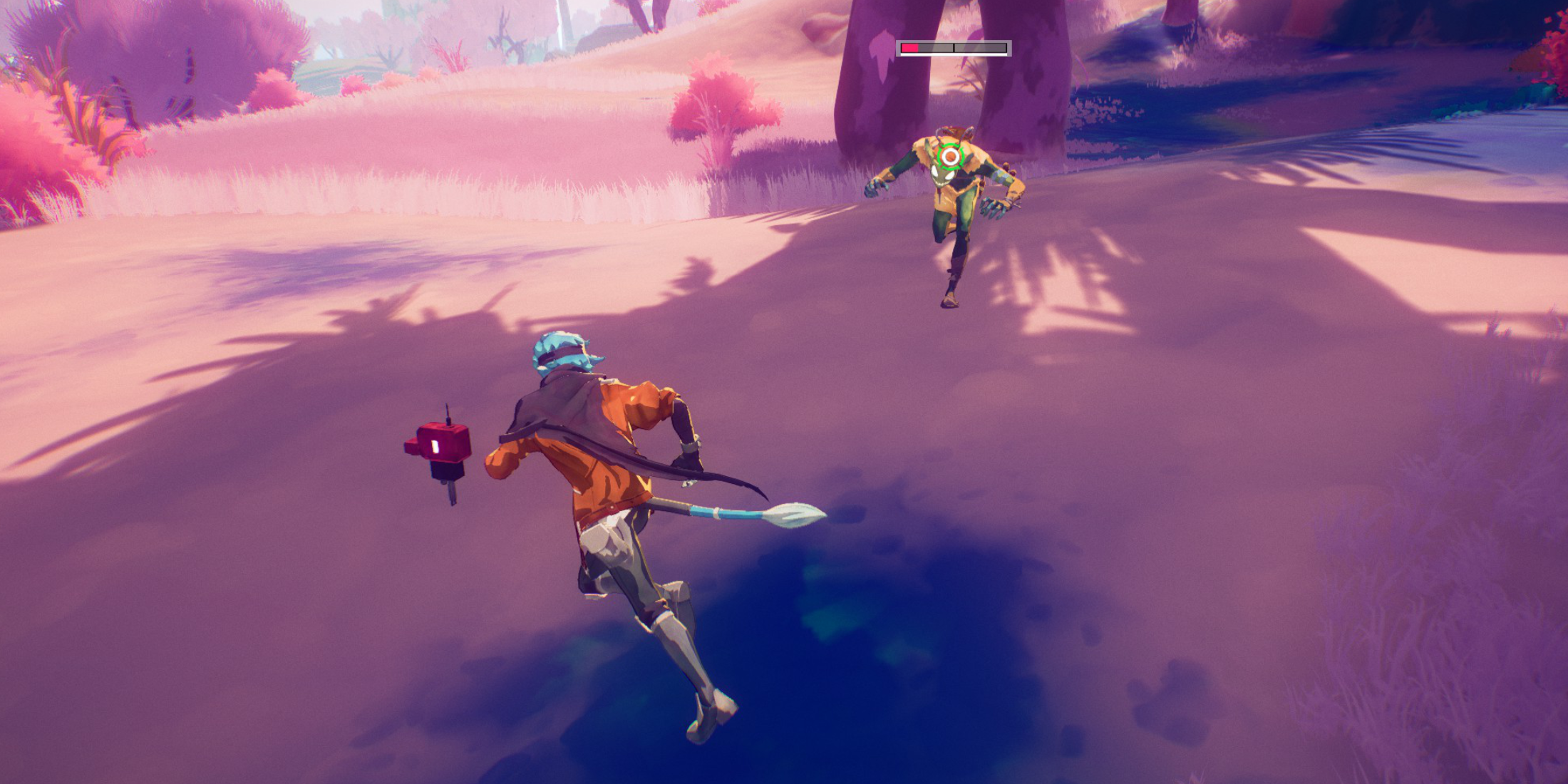 To target an enemy, center them in your view and press the right analog stick (R3). The game usually identifies the target automatically, except within large enemy groups. The view zooms slightly, and a reticle appears around the target.
Line of sight isn't required for lock-on; on-screen visibility and proximity suffice.
Lock-on alters character movement and camera behavior. The camera tracks your target, causing your movements to often circle them. Fast-moving enemies can rapidly shift camera perspective, potentially altering your directional inputs mid-movement.
To switch targets while locked on, move the right analog stick left or right. The reticle jumps to the nearest in-range enemy.
Pressing the right analog stick again cancels lock-on, reverting to the default third-person camera. This can also be adjusted in the settings menu. Lock-on automatically cancels if you move too far from the target.
When Should I Lock On vs Use Free Cam?
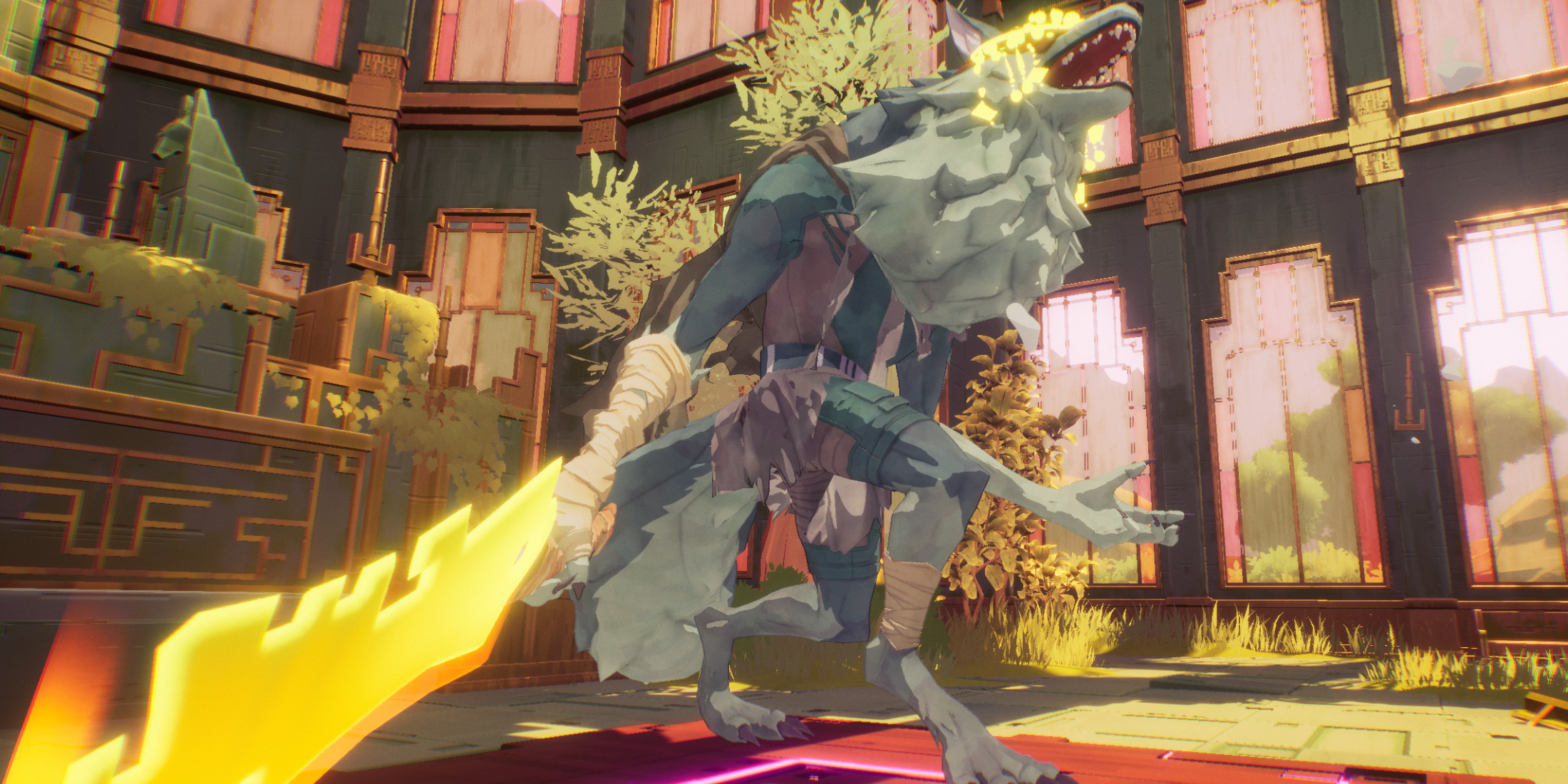 Lock-on excels in one-on-one encounters, such as boss fights or against strong (yellow health bar) enemies—but only after eliminating other mobs.
The exclusive camera focus on one target leaves you vulnerable to attacks from enemies outside your immediate view. Managing groups becomes significantly more challenging.
Free camera mode is generally more effective. Against multiple or easily dispatched enemies, lock-on is unnecessary and hinders your situational awareness.
However, against mini-bosses or bosses (after clearing weaker enemies), lock-on keeps the target centered. Cancel lock-on if other enemies appear, then re-engage once they're eliminated.
For instance, during Extraction, you face waves of regular enemies followed by a mini-boss. The mini-boss might appear while other enemies are still present. In this scenario, free camera is preferable until all regular enemies are defeated, then lock onto the mini-boss for focused combat.